Create a proposal
Build a branded proposal with pricing, add-ons, and an out-of-scope section.
A proposal in Raoura is a branded page your client opens, reviews, and accepts online, with payment built in if you want a deposit.
Create one#
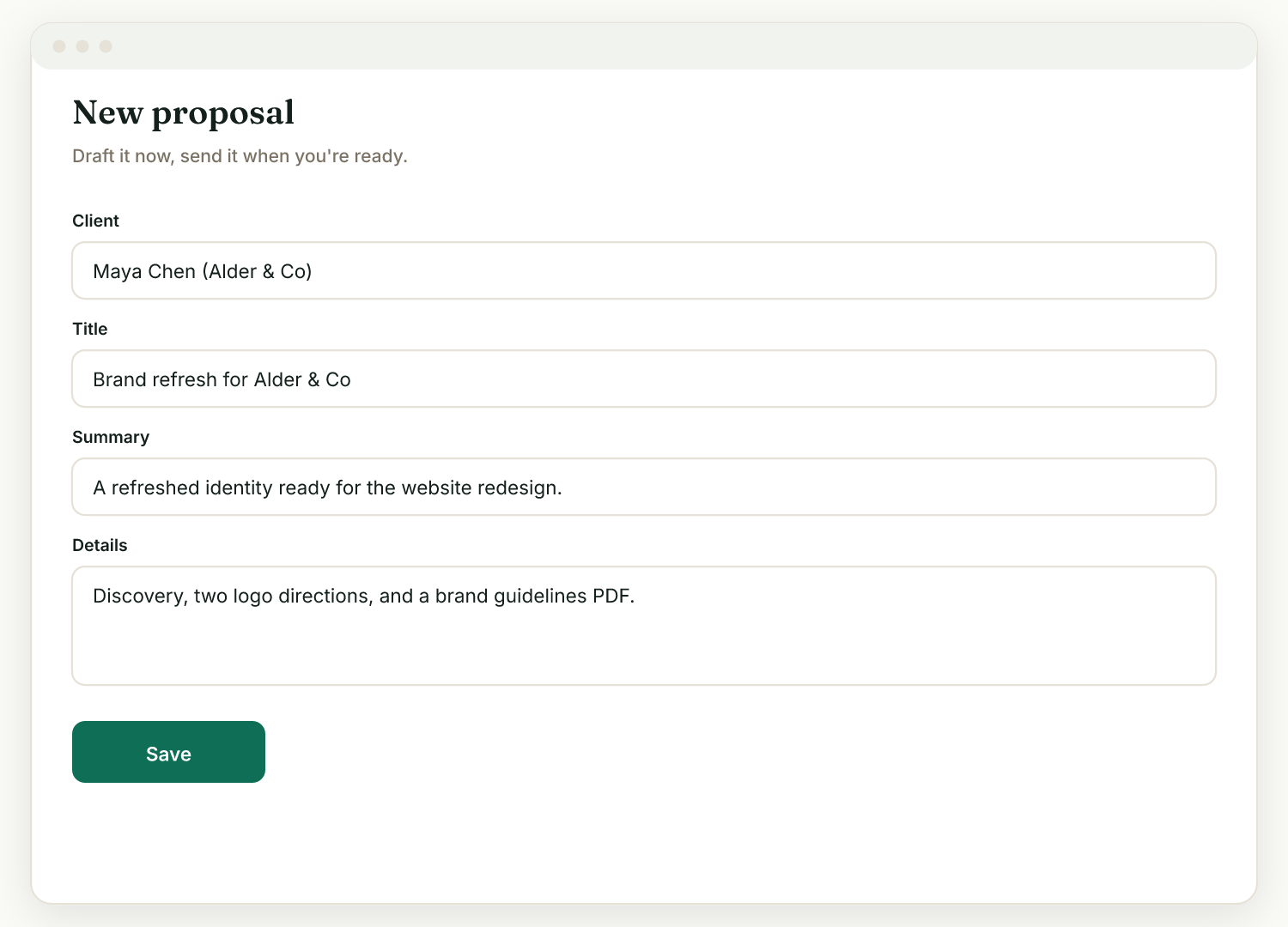
- Go to Proposals, then New proposal.
- Pick a client and add a title.
- Optionally Start from a template or use Draft with AI, then edit.
- Fill in the summary, details, and pricing lines, plus an optional deposit.
- Click Create proposal. You can edit it afterward; it saves to the same client link.
Make the pricing work for you#
- Optional add-ons: tick "Optional add-on" on a pricing line, and the client chooses whether to include it on the proposal page. The total updates before they accept.
- Deposit on accept: with Stripe connected, the client's button becomes "Accept & pay" and they pay the deposit immediately on accepting.
Protect yourself from scope creep#
Use the What's not included (out of scope) field: list the things the project does NOT cover, one per line. The client sees a clear "Not included" box, the best defense against "one quick favor" requests later. Draft with AI fills this in automatically for you to edit.
After they accept#
Editing locks once a proposal is accepted or declined. The accepted proposal offers Start the project, Generate contract, and Generate invoice.
Related
Ready to try it yourself?
Raoura is one flat plan at $17/month, with a 14-day free trial and no credit card required.
Start free trial