Proposal templates and AI draft
Start a proposal from a template, have AI draft it, or import one you already wrote.
You never have to start a proposal from a blank page: use a template, a short AI brief, or a document you already wrote.
Start from a template#
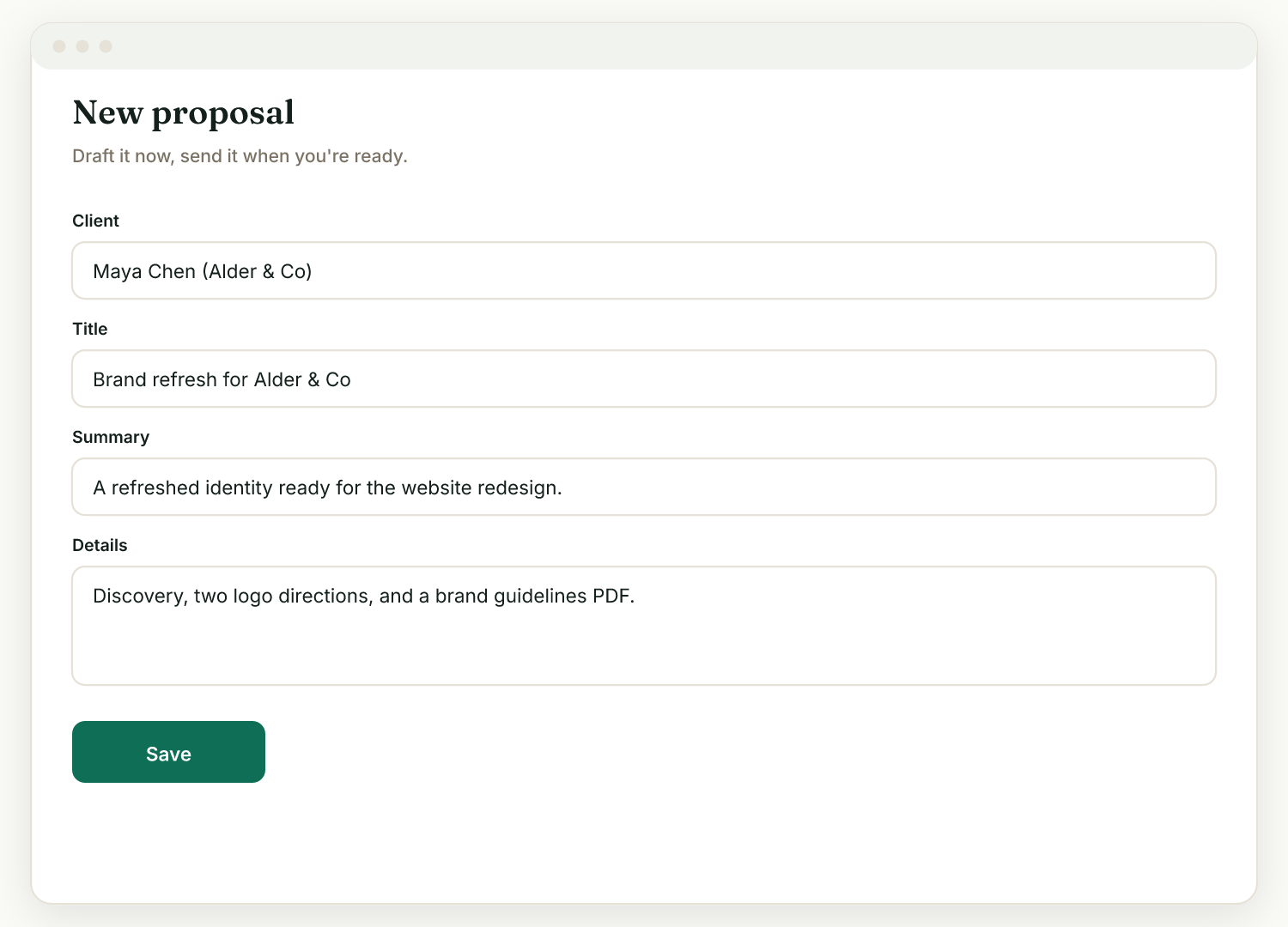
On the proposal form, Start from a template fills the summary, details, and pricing from a starter: Website design, Brand/logo, Photography, Social media, or Consulting. Edit everything after.
Draft with AI#
In the Draft with AI panel, type a few lines about the job, or paste a draft you wrote elsewhere (ChatGPT, Docs, anywhere). The AI fills in the summary, the body, a "what's not included" section, and suggested line items, all for you to edit. Nothing sends until you do. Each draft uses one AI credit.
Import a file#
In the same panel, click Import a file and upload a .docx, .pdf, .html, .txt, or .md (max 8MB). Raoura pulls the text and rebuilds it in your branded template. You keep your content, not the old document's layout, which is the point: it ends up looking like yours.
Or bring your own PDF#
Prefer your existing design? Under Bring your own proposal, upload it as a PDF (max 10MB). Your client sees your PDF and Raoura adds accept, deposit, e-sign, and the project plan on top. Still fill in the pricing below so payment works.
Troubleshooting#
- "Couldn't read that file" usually means a scanned, image-only PDF with no text layer. Export a text PDF or paste the text instead.
- AI features require AI to be enabled on the workspace and use your AI credits.
Related
Ready to try it yourself?
Raoura is one flat plan at $17/month, with a 14-day free trial and no credit card required.
Start free trial