Projects
Break the work into milestones clients approve
Structure every project as milestones with a scope, an amount, and a due date. Your client follows progress in their portal, approves each milestone, and pays as you deliver.
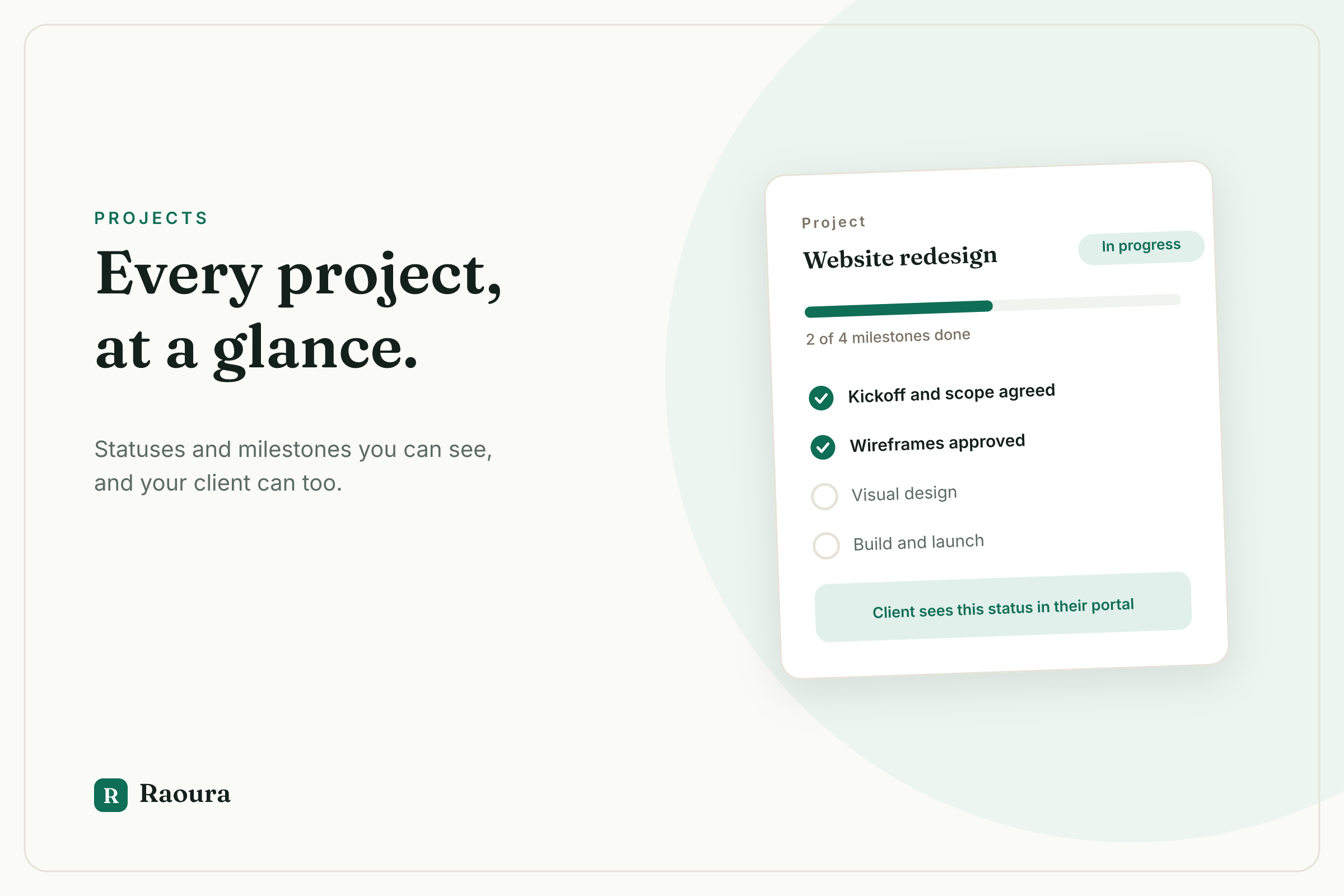
Solo project management usually means a private Trello board the client never sees, plus status emails you write by hand. The client has no idea where things stand, so they ask. Delivered work sits unapproved for weeks because there is no clear "review this now" moment. And payment is disconnected from progress, so you finish everything before the money conversation even starts.
How it works
1. Create a project with milestones
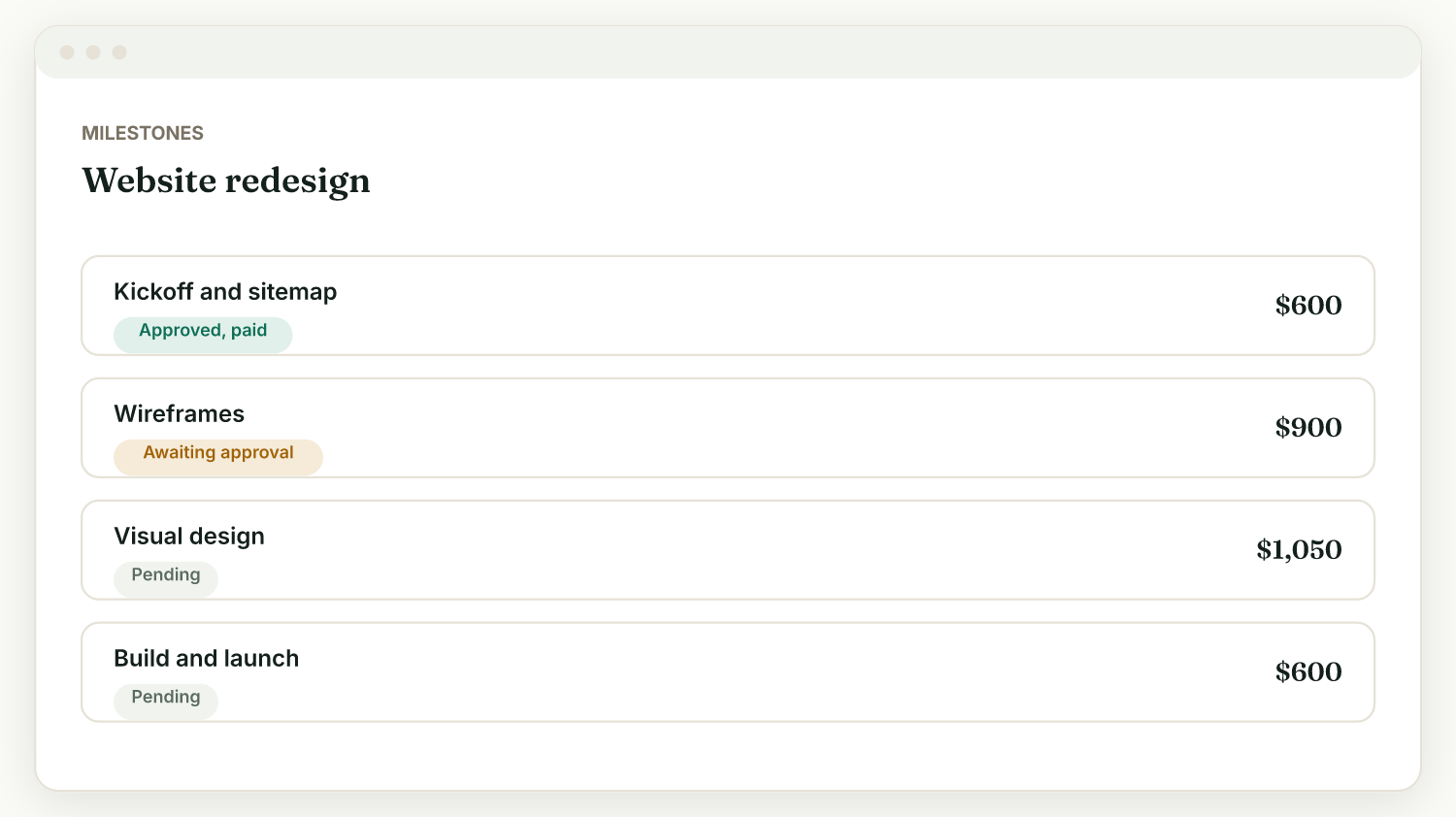
Go to Projects, then New. Pick a client and a title, then add milestones, each with a name, scope, amount, and optional due date. Or click "Start the project" on an accepted proposal and Raoura creates a milestone for each priced line item, amounts included.
2. Attach deliverables
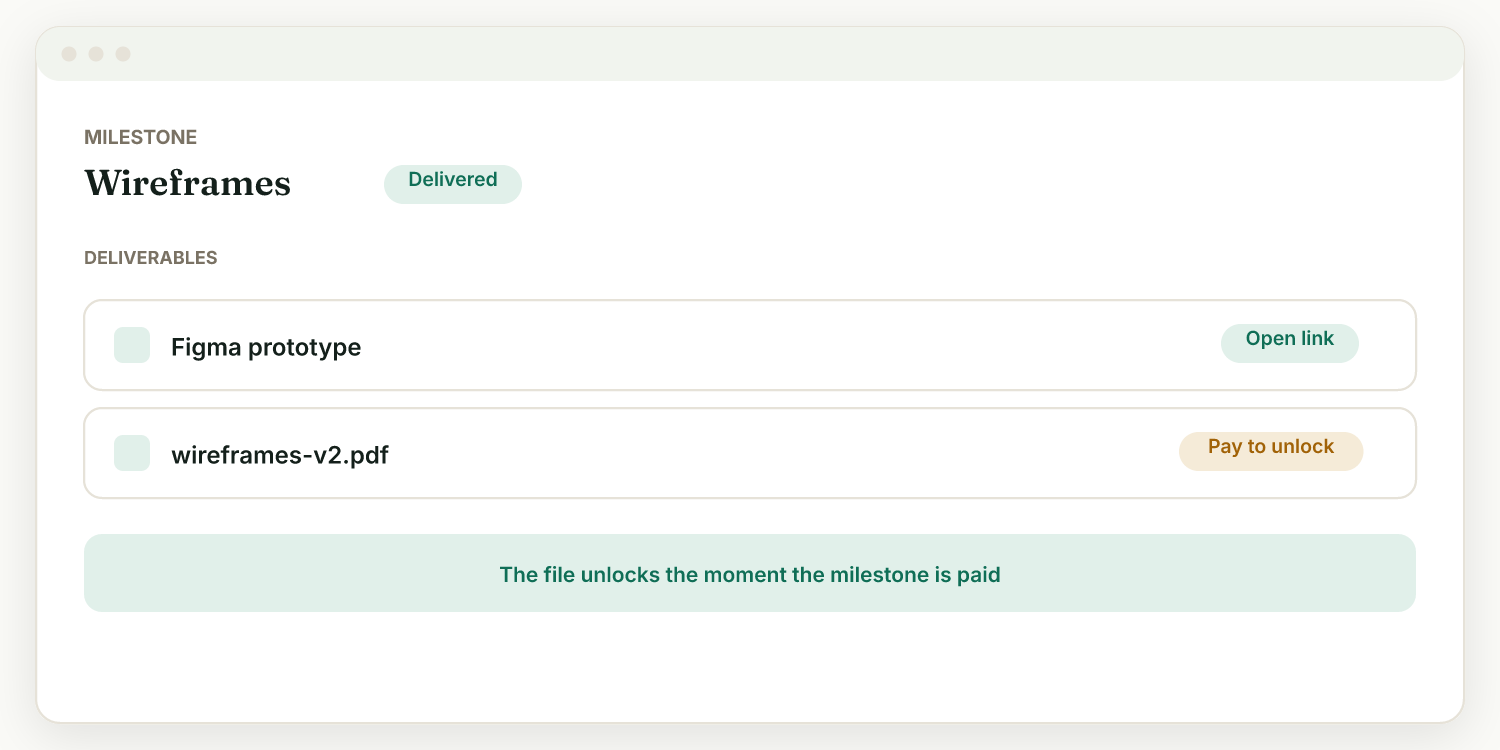
Each milestone has a Deliverables panel: add links (a staging URL, a Figma, a report) or upload files up to 25MB (a gallery, a PDF). They appear on the client's project page.
3. Mark delivered, let the client review
Finish a milestone and click "Mark delivered". The client sees it as ready to review in their portal and approves it (and pays it) or requests changes. You get notified either way.
4. Watch it move on your dashboard
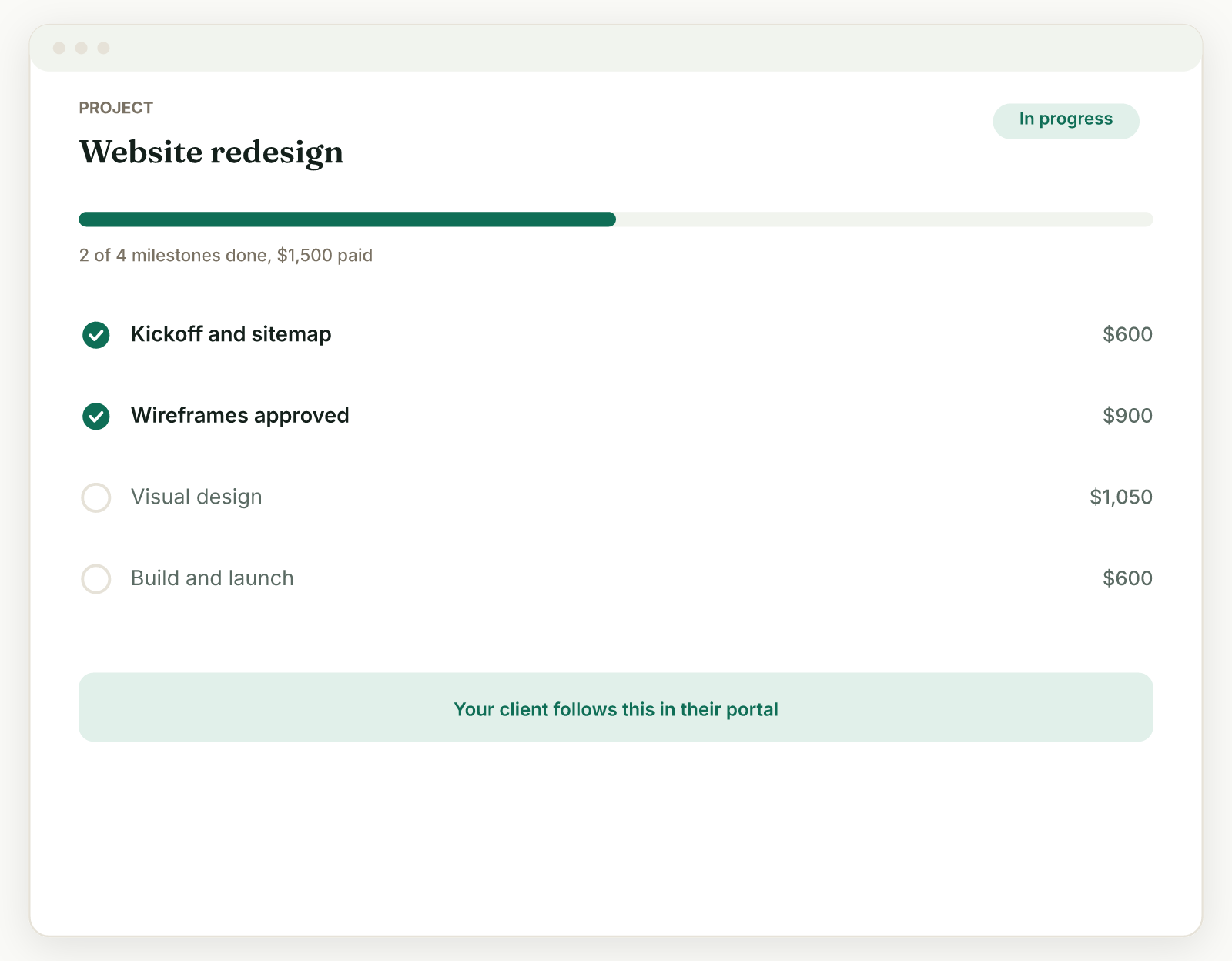
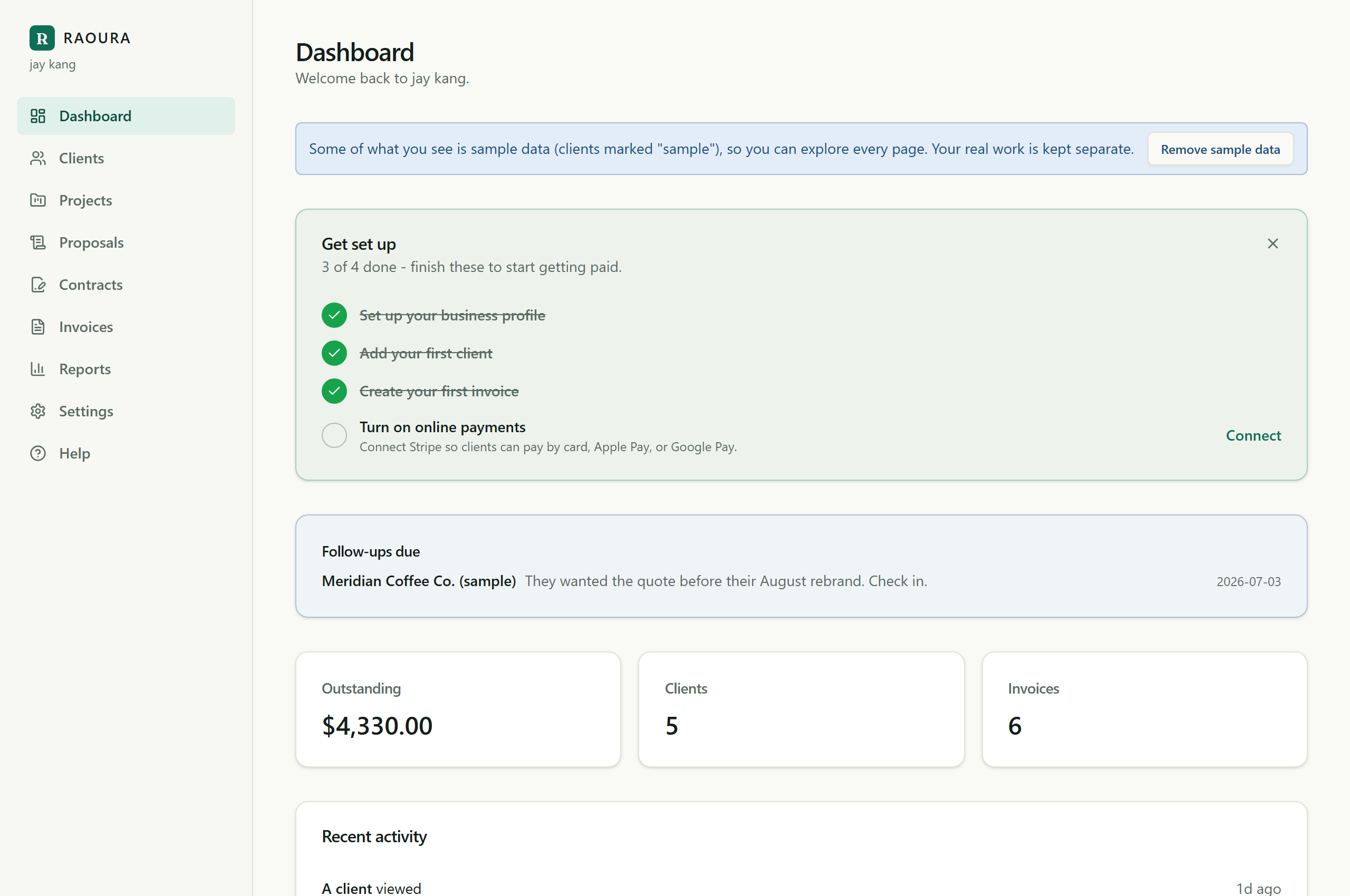
Your dashboard shows outstanding totals and recent client activity across projects, so you always know what is delivered, what is approved, and what is paid. If a client sits on a delivered milestone, follow-up reminders nudge them on day 3 and day 7.
Milestones with money attached
Every milestone carries its own scope, amount, and due date, and the client approves and pays each one in turn. Progress and payment move together instead of settling up at the end.
From accepted proposal to project in one click
When a client accepts a proposal, "Start the project" turns each priced line item into a milestone with its amount. You go straight from "yes" to managing the work, with no re-entry.
Deliverables with pay-to-unlock
Attach files or links to any milestone and tick "Pay to unlock" to release them only after that milestone is paid. Perfect for handing over a photo gallery, final files, or a report on payment.
A client-facing project page
Clients follow progress in their branded portal: they see each milestone, review delivered work, approve or request changes, and open deliverables. Add a cover image and a welcome message to make the page feel like theirs.
Approvals that do not stall
When a delivered milestone sits unapproved, optional project-update reminders nudge the client on day 3 and day 7. You choose the tone and can pause reminders on any single project.
Status you can see at a glance
Projects carry status, and your dashboard rolls up outstanding amounts and recent activity, so Monday morning starts with answers instead of inbox archaeology.
A Trello or Notion board is fine for your own to-do list, but the client cannot see it, cannot approve anything in it, and certainly cannot pay from it. So you translate the board into status emails, chase approvals by hand, and invoice in a separate tool. Raoura connects the three things a freelance project actually runs on: the work, the approval, and the payment, on one page both you and the client can see.
Frequently asked questions
What are projects and milestones?
A project breaks work into milestones. Each milestone can have a scope, a due date, an amount, and deliverables. Your client follows progress in their portal.
How does my client approve a milestone?
In the project portal they review the milestone and approve it, or request changes. You get notified either way.
What are pay-to-unlock deliverables?
You can attach files or links to a milestone and choose to release them only after the milestone is paid. The client sees them after payment.
Can I create a project from a proposal?
Yes. Once a client accepts a proposal, a "Start the project" button creates a project with a milestone for each priced line item, amounts included.
Run your client work in one place
Run your next project where the client can see it, approve it, and pay for it.
Start your 14-day free trialNo credit card required.