Send and track a proposal
Share the proposal link, follow up automatically, and act when the client accepts.
Once a proposal is ready, you share its link, and Raoura helps you follow up and move fast when the answer is yes.
Send it#
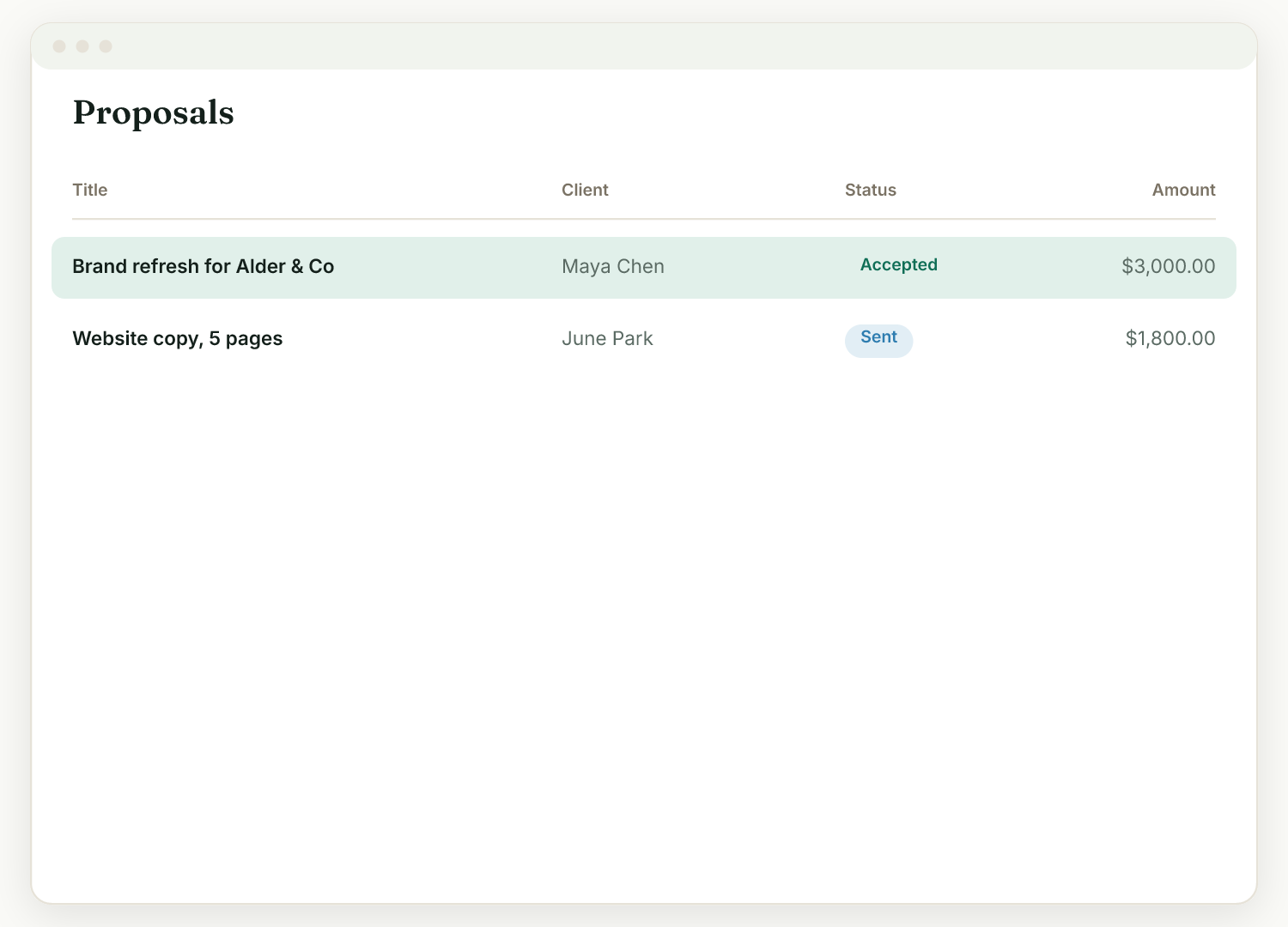
Share the proposal's client link directly, or point the client at their portal: the proposal appears in the "Needs your attention" section of their hub. No account or password is needed on their side.
How the client accepts#
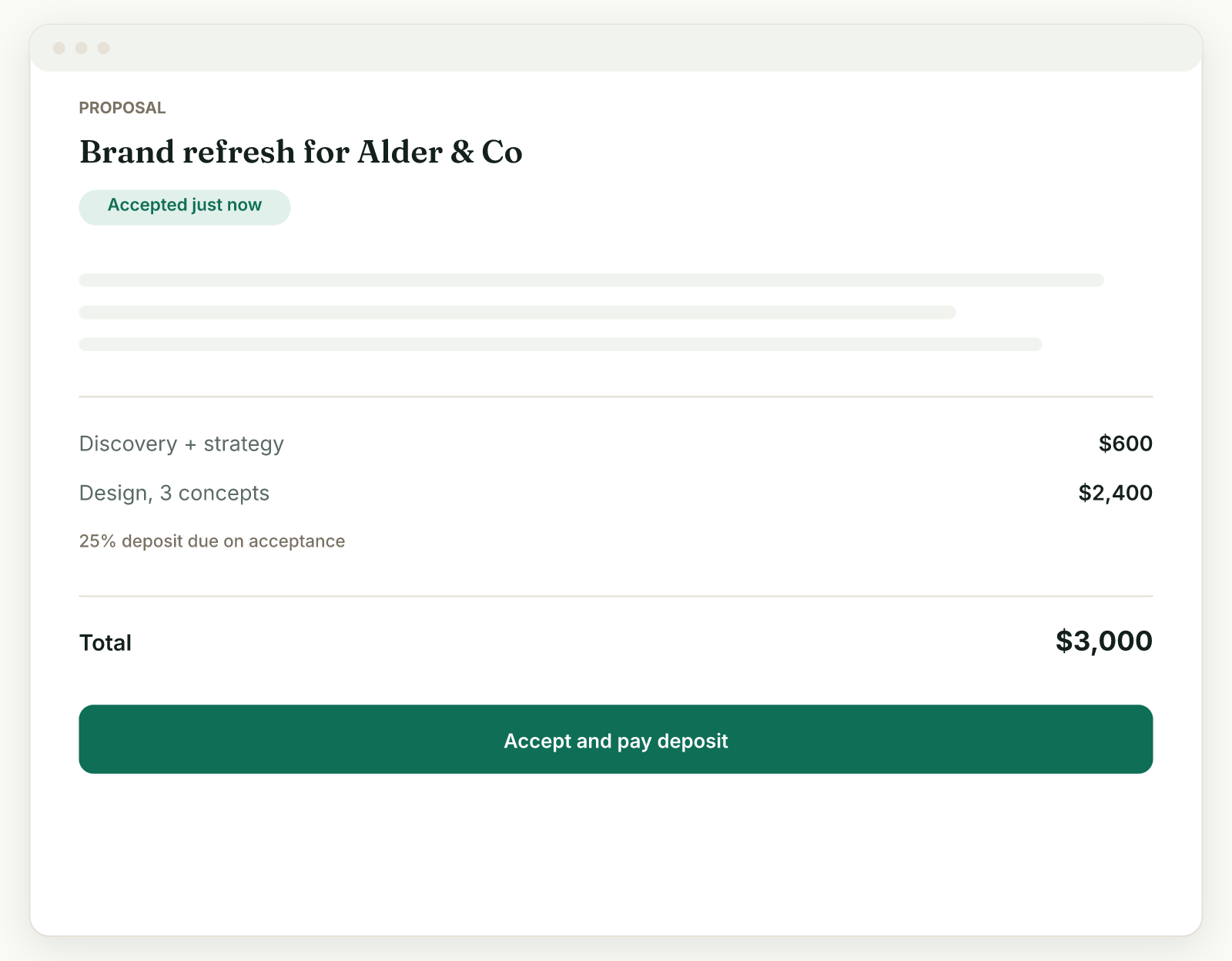
They open the link, review the details (choosing any optional add-ons, which update the total), and accept by typing their name. If you set a deposit, they pay it immediately on accepting.
Follow up without the awkward emails#
Turn on proposal follow-ups in Settings, Reminders, and Raoura nudges a client who has not replied on day 3 and day 7. Pick a friendly or firm tone and preview the exact wording. You can pause follow-ups for a single proposal from its own page.
To get an email the moment a client accepts, turn on activity notifications in Settings, Account, Preferences.
When they accept#
The proposal locks for editing and offers three one-click next steps: Start the project (a milestone per priced line item), Generate contract, and Generate invoice. No re-entry.
Related
Ready to try it yourself?
Raoura is one flat plan at $17/month, with a 14-day free trial and no credit card required.
Start free trial