Client portal
One link where your client sees everything
Every client gets a branded portal with their proposals, contracts, invoices, files, and project progress. They sign in with a magic link, no account to create and no password to forget.
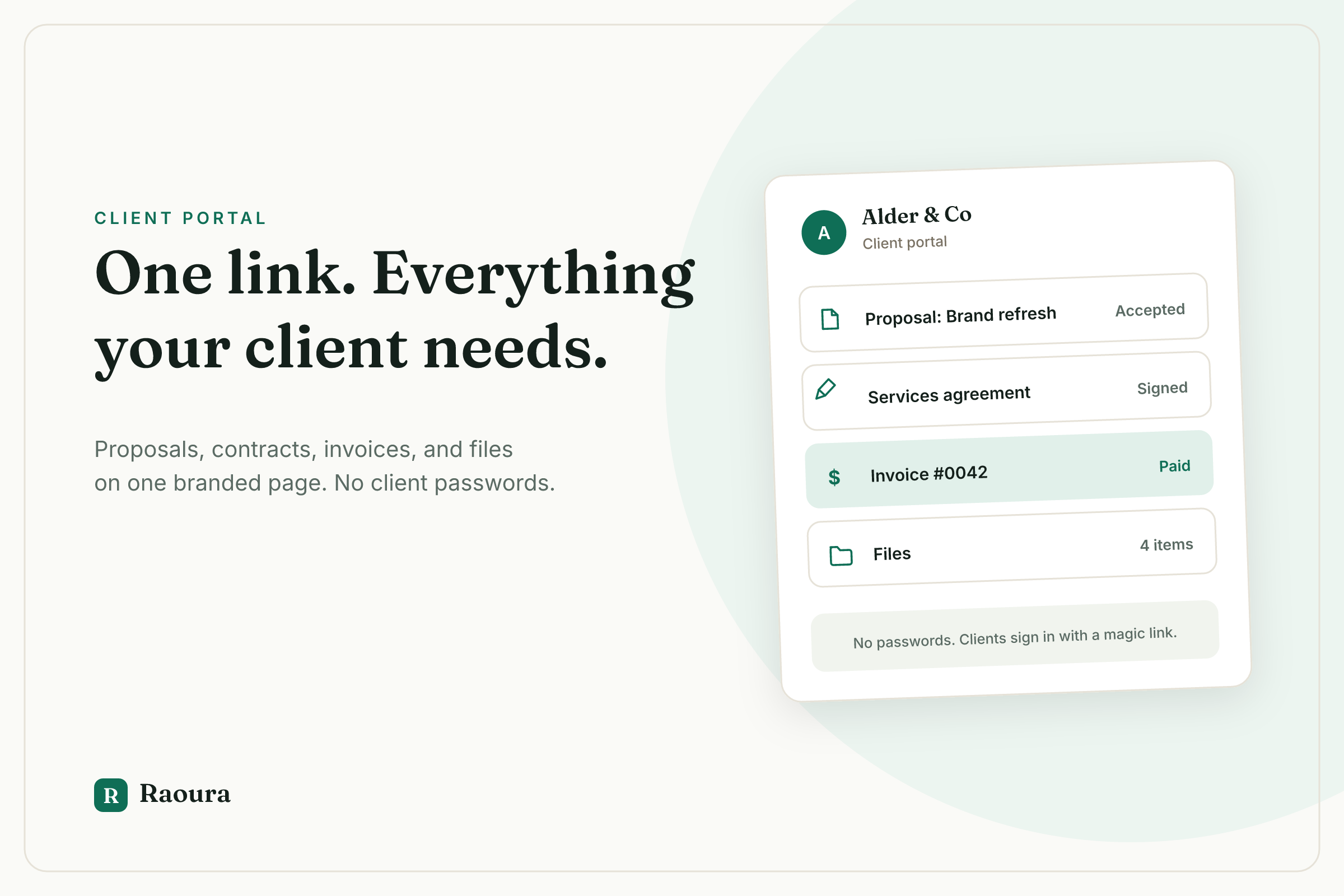
"Can you resend that invoice?" "Which version of the contract is current?" "Where's the file you sent in March?" When your client's only record of the project is a year of email threads, you become their search engine. Big suites solve this with portals, but they charge agency prices for it. Spreadsheets and Notion never solve it at all, because the client still cannot act on anything.
How it works
1. Every client gets one link, automatically
Open a client's page and the Client portal card shows their personal link. New clients get one automatically. Copy it and send it once.
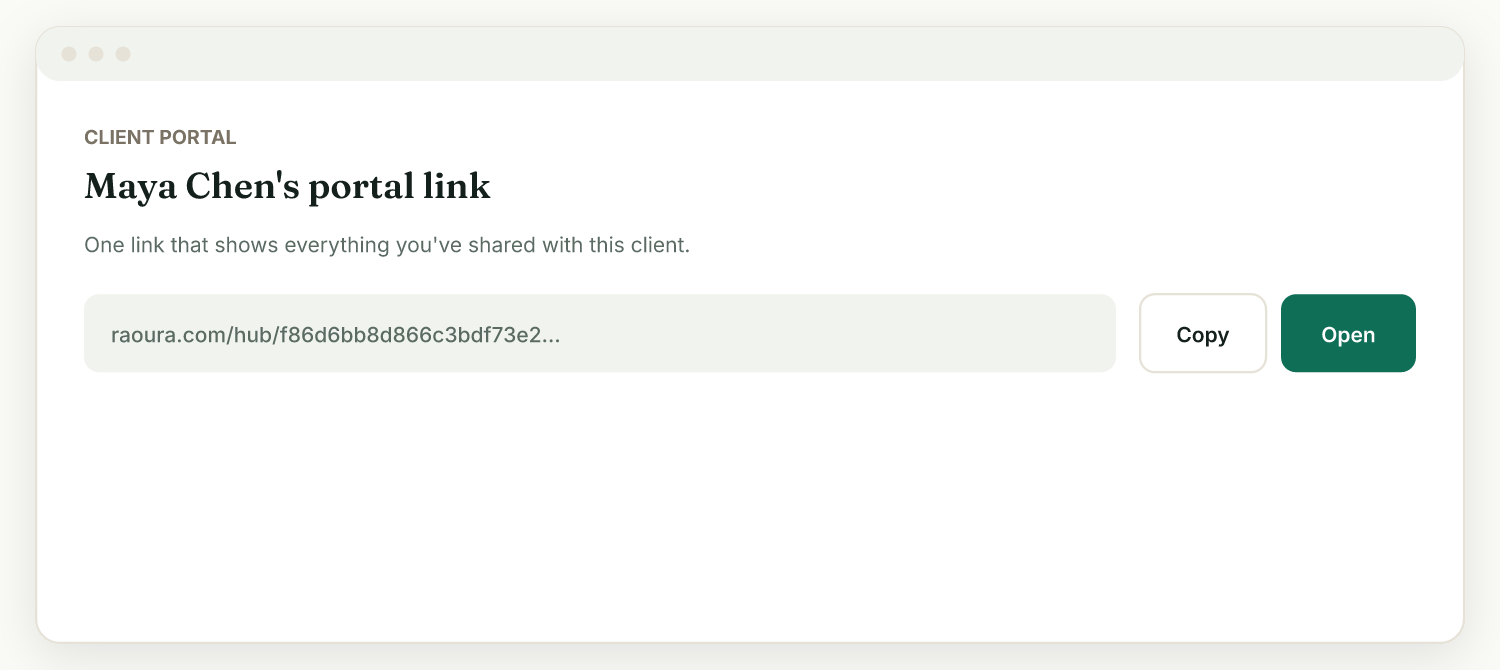
2. The client opens it with a magic link
Your client clicks the link and is in. No account creation, no password to manage. It works the same on their phone as on their desktop.
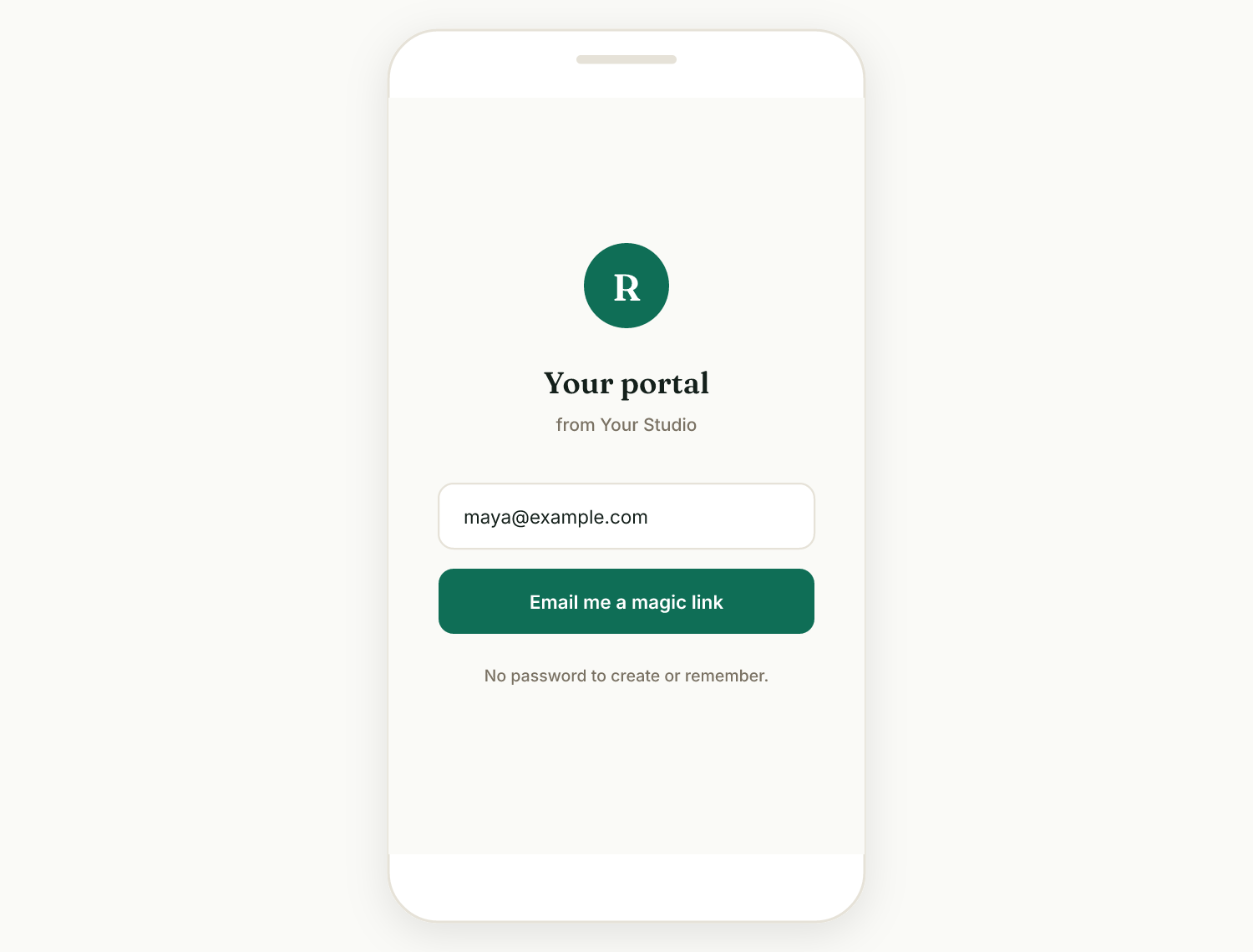
3. They see what needs their attention
The portal opens with a "Needs your attention" section: invoices to pay, proposals to review, contracts to sign. Below that, their active projects, then a collapsed History of finished items so a year of paid invoices never becomes an endless scroll.
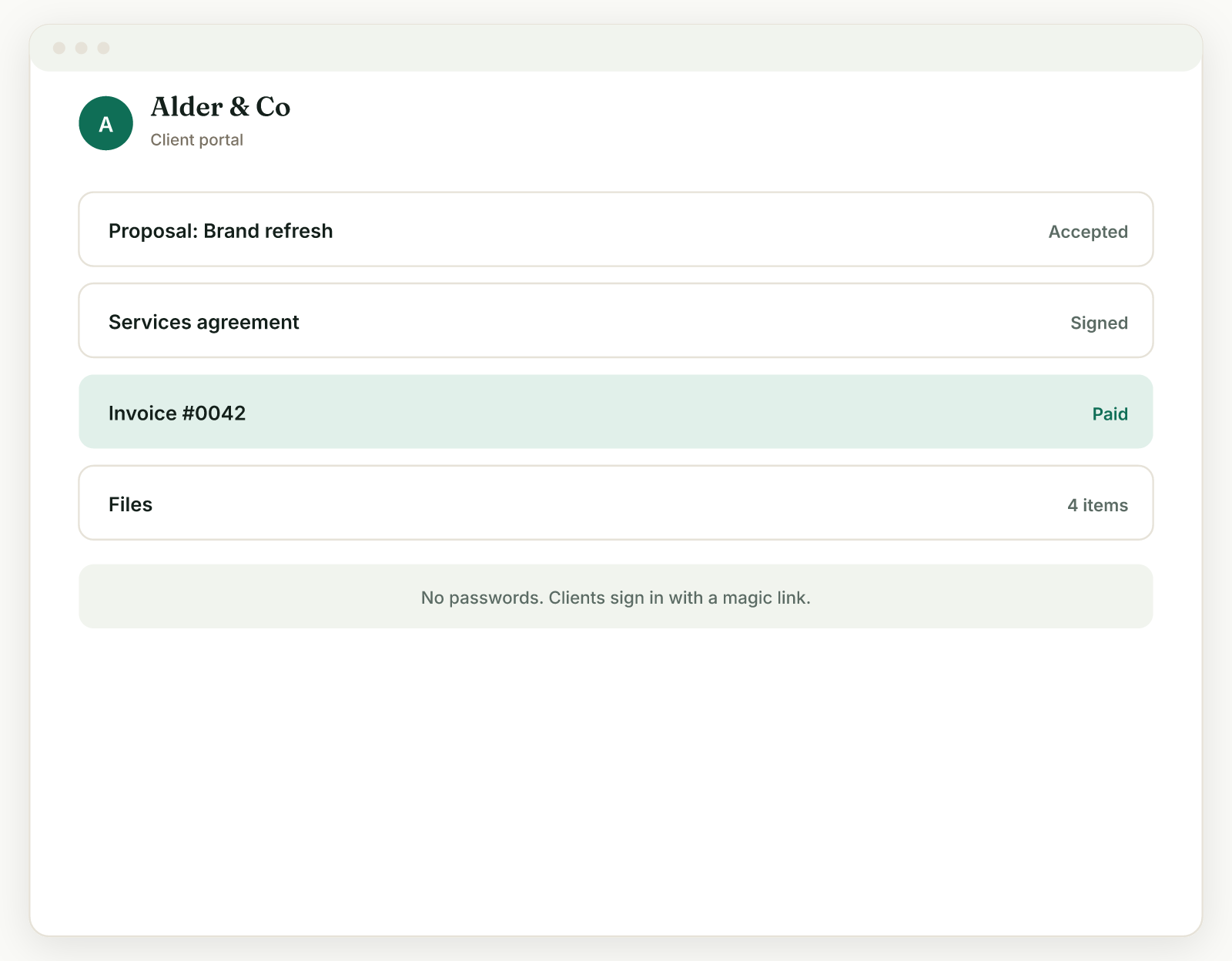
4. They act in place
From the same page the client accepts proposals, signs contracts, pays invoices, follows project progress, approves milestones, and downloads the files and links you delivered. You get notified when they do.
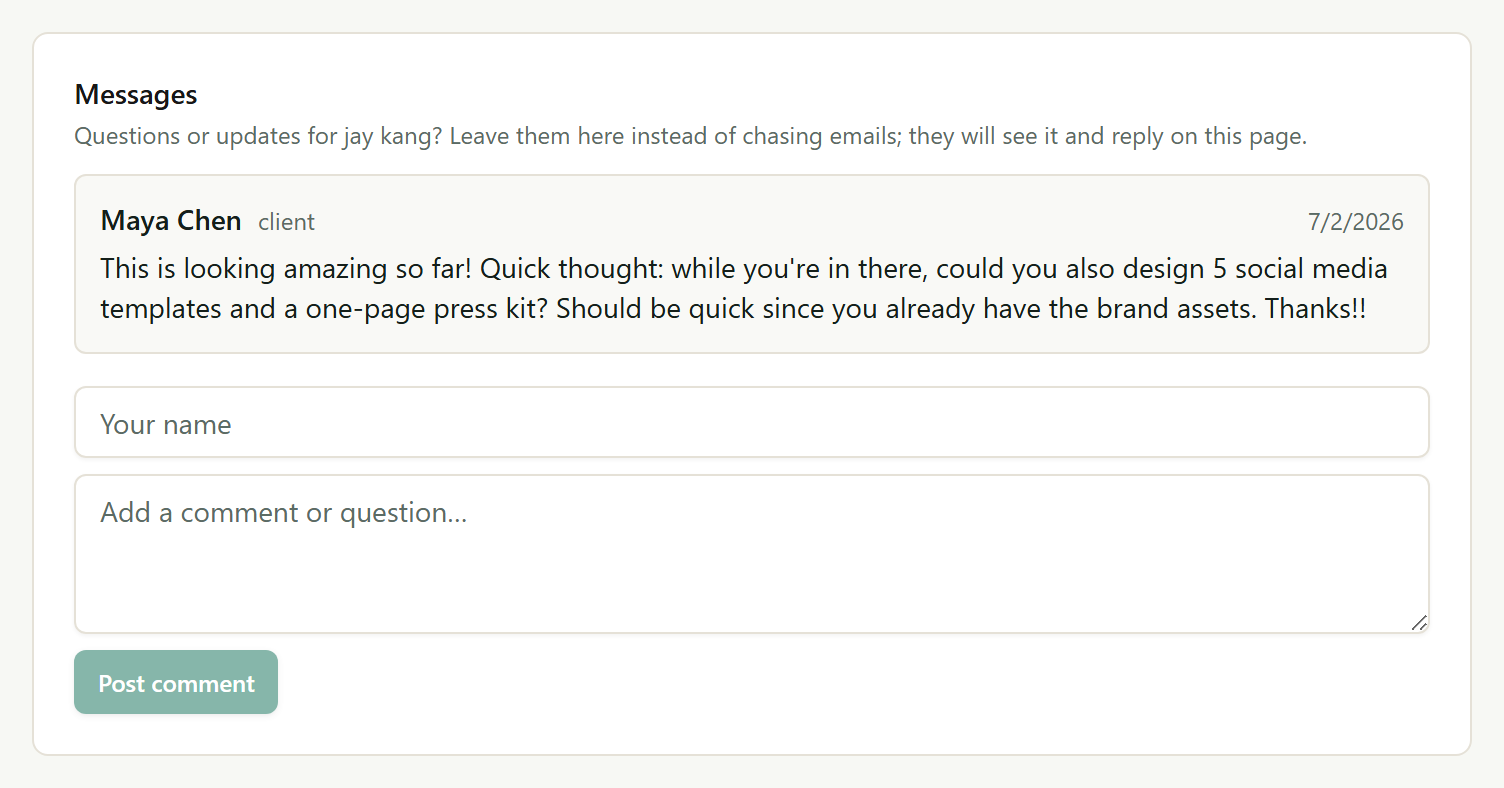
Magic-link login, zero client friction
Clients never create an account or remember a password. They open their link and they are in. The fewer steps between your client and the Pay button, the faster you get paid.
Everything in one place
Proposals, contracts, invoices, projects, and deliverables all live on the client's single hub. The individual links still work too, which is handy for "pay this exact invoice" emails.
It looks like your business
The portal and every client page use your logo, accent color, heading font, and theme, set once in Settings, Brand. You can even match your brand automatically from your website. Clients see you, not a third-party tool.
Organized as work piles up
"Needs your attention" surfaces what the client must act on now. Active projects sit in the middle. Finished items collapse into History, so the portal stays tidy after a year of work together.
Project progress clients can follow
Clients see each project's milestones, review delivered work, approve it or request changes, pay milestones, and open deliverables. You can add a cover image and a welcome message to make each project page feel personal.
See exactly what they see
Click Open portal from the client's page and you view the portal as your client does. No guessing what landed on their side.
A Dropbox link and an email chain give the client pieces, never the picture. They cannot accept, sign, or pay from a folder, and the thread buries last month's invoice under this week's feedback. The usual fix is an all-in-one suite where a portal comes bundled with CRM pipelines, scheduling, and team features a solo freelancer pays for but never opens. Raoura is the portal and the essentials around it: proposals, contracts, invoices, projects, one flat $17 per month.
Frequently asked questions
What is the client portal?
A branded page where your client sees everything you have shared with them: proposals, contracts, invoices, and projects. Each client gets one link.
Do my clients need to create an account?
No. You share a link and they open it. There is no account to create and no password to remember.
Can I make the portal look like my brand?
Yes. In Settings, then Brand, set your logo, accent color, and font, and they apply across your proposals, invoices, and portal. You can also match your brand automatically from your website.
What can my client actually do in the portal?
Review and accept proposals, e-sign contracts, view and pay invoices, follow project progress, approve or request changes on milestones, and open the files and links you delivered.
Run your client work in one place
Give your clients one professional place for everything, and stop being the human search engine for your own projects.
Start your 14-day free trialNo credit card required.