The Dubsado 2.0 Sunset Checklist: What to Do Before Legacy Shuts Down
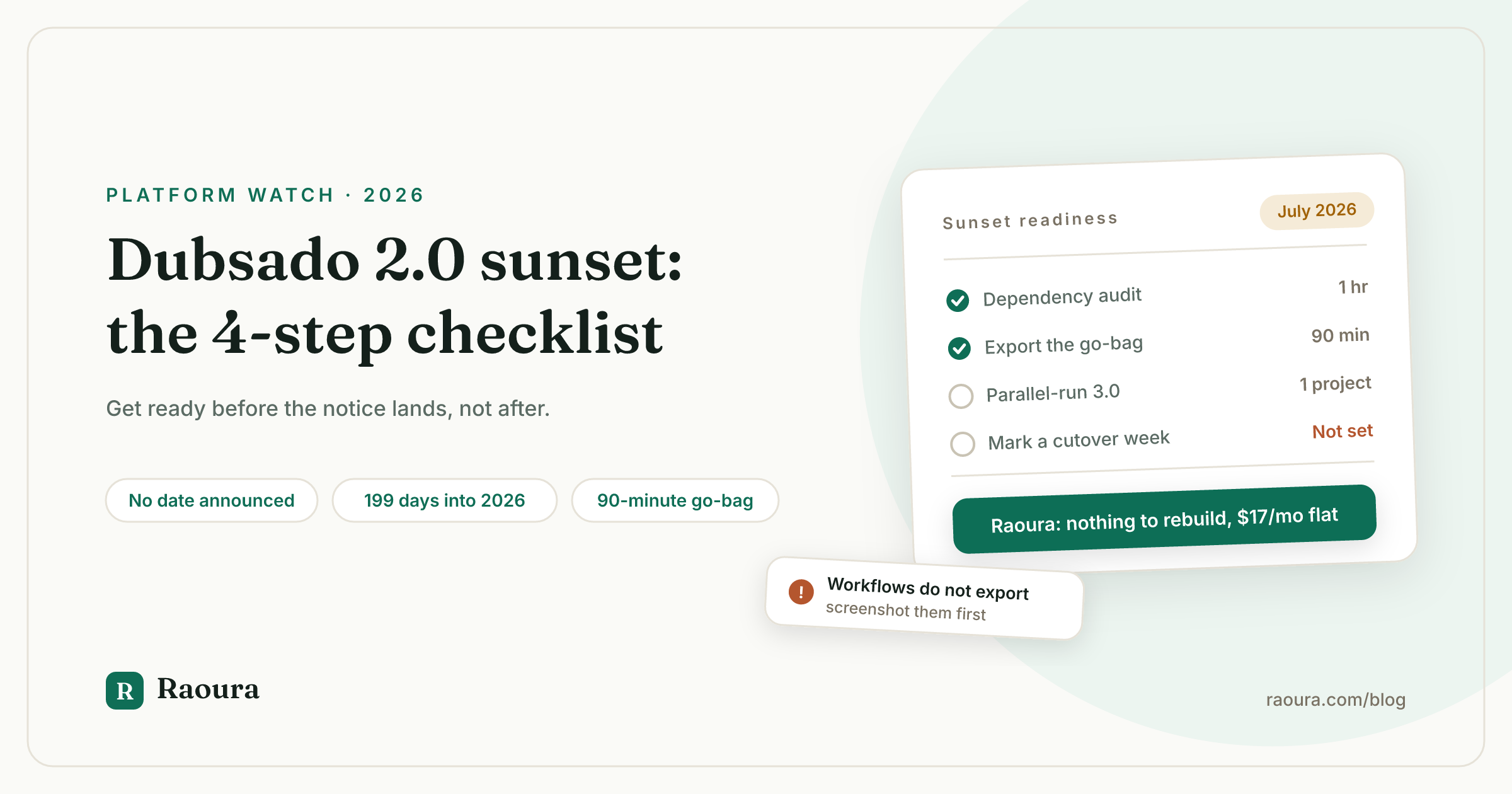
There is a particular kind of dread in running your business on software that has been publicly promised an ending, without being told when.
That is the position every Dubsado 2.0 user is in right now. Dubsado has committed, in writing, to retiring 2.0. It has not committed to a date, a month, or even a definition of how much warning you will get.
Most of what has been written about this transition answers "what is new in 3.0". That is a useful question for someone choosing software. It is the wrong question for someone who already depends on 2.0 and wants to not be caught out.
This article answers the other question: what do you actually do, this month, so that whenever the notice arrives it is an inconvenience instead of an emergency.
Where the Dubsado 2.0 sunset actually stands#
As of July 18, 2026, Dubsado has published no sunset date for 2.0: the only public commitment is "sometime in 2026" with "plenty of advance notice", made 243 days ago, with 166 days left in the year.
Here is the complete public record, quoted exactly.
Dubsado's 3.0 announcement page says, in its FAQ: "We'll be sunsetting 2.0 sometime in 2026, but you'll get plenty of advance notice before that happens." The same page adds that 2.0 "will remain available until sometime in 2026 (don't worry, you'll get plenty of notice beforehand), but it will not receive further feature releases."
Dubsado's llm-info page repeats it: "Dubsado 2.0 will be sunset sometime in 2026 with advance notice provided to all users."
That is the entire record. We read every entry in Dubsado's public changelog through the most recent post on June 26, 2026, and the word "sunset" does not appear once.
Here is an observation we have not seen made anywhere else. The 3.0 announcement page is the primary source for the sunset promise, and it is stale: as of July 18, 2026, that page still advertises the November 19 and December 1, 2025 live demos as upcoming events and promotes the November 2025 Black Friday sale in the present tense. The single page carrying Dubsado's shutdown commitment has not been substantively updated since before December 1, 2025.
You will see one independent specialist, Ema Katiraee, estimate the window as "2026 or 2027". No Dubsado source says 2027. Treat that as a reasonable guess, not a fact.
If you want the fuller picture of what shipped, what broke, and what is still missing, our Dubsado 3.0 problems breakdown reconciles the launch complaints against every 2026 release note.
Why "plenty of advance notice" is not a plan#
"Advance notice" has no defined length in any Dubsado document, which means your realistic planning assumption should be 30 to 60 days, not six months.
Companies rarely define notice periods in a marketing FAQ, and Dubsado has not. So the promise is real but unbounded.
That matters because the cost of a forced migration is almost entirely a function of when it lands, not how hard it is.
| If notice lands in... | Your realistic exposure | What you should already have done |
|---|---|---|
| A quiet month, 60+ days notice | Low. A planned weekend of rebuilding | Nothing urgent. The checklist below is enough |
| Your busiest quarter, 60 days notice | Medium. You migrate while delivering | Dependency audit and go-bag complete |
| Your busiest quarter, 30 days notice | High. Live projects move mid-flight | Go-bag current and 3.0 parallel-tested |
| While you are mid-launch or traveling | Severe. Client-facing links may change | Everything below, done in advance |
Two of those four rows are genuinely painful, and you do not get to choose which row you land in.
You do get to choose how prepared you are when it happens.
There is one piece of good news worth stating plainly. As of today, switching to 3.0 is opt-in and reversible: 2.0 lives at hello.dubsado.com, 3.0 at app.dubsado.com, both run side by side, and Dubsado's own FAQ answers "Can I switch back to Dubsado 2.0 if I want to?" with "Yes!" Nothing about the checklist below requires a one-way decision today.
Step 1: Audit which 2.0-only behaviors you depend on#
Most solo freelancers depend on two or three specific 2.0 behaviors, not on the whole platform, so a dependency audit usually takes under an hour.
The mistake is thinking of migration as moving a whole system. What actually breaks is a small number of specific things you configured once and forgot about.
Open 2.0 and write down the answer to each of these.
- Which workflows actually fired in the last 90 days? Not which exist. Which ran. For most people the honest list is two or three out of a dozen. Only those need rebuilding.
- Does any of your booking flow stack a contract onto a scheduler appointment? This combination was documented as missing in 3.0 at launch by Dubsado Certified Specialist Colie James in her 3.0 review.
- Do any workflow emails go to both a main client and an alternate contact? Another documented launch gap, and the one that hurts anyone serving couples or two-stakeholder clients.
- Do you rely on per-team-member calendars or sending addresses? Also on the launch gap list.
- Have you added custom CSS or custom branding to any public form? Dubsado has published nothing about whether custom form styling survives the transition. Screenshot it now.
- Which client-facing URLs are printed anywhere permanent? Your lead capture form link in your Instagram bio, your scheduler link in your email signature, any link inside a signed contract.
That last one is the sleeper. Data migrations get attention; link changes do not, and a dead scheduler link in your bio costs you leads silently.
Step 2: Build your data go-bag now#
Dubsado exports clients, leads, projects, invoices, and transactions as CSV, but there is no export path for workflows, forms, canned emails, packages, or file uploads, so roughly half your configuration can only leave as copy-paste.
Dubsado's export documentation is a single Help Center article. Two things about it are worth knowing before you rely on it.
It was last updated May 3, 2023, which makes it 3.2 years old as of this writing. And it now sits under a Help Center category labeled "Legacy Dubsado Articles (Dubsado 2.0)".
Here is the honest split.
| Asset | Leaves Dubsado? | How |
|---|---|---|
| Clients and leads | Yes | CSV, selectable fields, desktop only |
| Projects | Yes | CSV, filterable by project status |
| Invoices and transactions | Yes | CSV |
| Profit and loss | Yes | CSV for a date range |
| Signed contracts | Yes, one at a time | Save each as PDF manually |
| Workflows and Flows | No | Screenshot the logic |
| Forms and questionnaires | No | Copy questions and field types by hand |
| Canned emails | No | Copy the text by hand |
| Packages and schedulers | No | Rebuild from notes |
| Uploaded files | No documented bulk export | Download per project |
Two constraints from Dubsado's own documentation are easy to trip over. The export is CSV only, in no other format. And it is desktop only, so you cannot do this from your phone.
Now the asymmetry worth sitting with. Dubsado runs a form migration service that rebuilds up to 10 of your forms for free with a stated 3 to 5 day turnaround, staffed and supported, to help you move in. Moving out is a CSV button documented by an article from 2023.
That is not a scandal. It is normal software company incentive design, and it is exactly why your go-bag should already exist rather than being assembled under a deadline.
Block 90 minutes. Pull every CSV, download contract PDFs for active and recently completed projects, and paste your surviving forms and canned emails into one reference document. Then put a recurring quarterly reminder in your calendar to refresh it.
Ninety minutes now converts a forced migration from a crisis into a chore. For the full weekend-scale version of this, our Dubsado migration guide walks the whole thing hour by hour.
Step 3: Parallel-run 3.0 before you cut over#
Because 2.0 and 3.0 run side by side with data syncing between them, you can test 3.0 against real work without committing, and today that costs you nothing.
This is the step almost nobody takes, and it is the one that removes the actual risk.
Do it in this order.
- Log into 3.0 at app.dubsado.com while leaving 2.0 at hello.dubsado.com untouched. Your projects, forms, invoices, workflows, and client data transfer automatically, per Dubsado's FAQ.
- Rebuild only your top workflow as a Flow. Do not rebuild all of them. Flows is a node-based visual rebuild of the same engine, and Colie James, a Certified Specialist, summarized the automation capability as "No new triggers. No new actions. Same functionality." Your logic should port; your muscle memory will not.
- Run one real project through 3.0 end to end. A live client, a real invoice, a real signature. A test project will not surface the problem you are looking for.
- Verify money things specifically. Autopay, recurring invoices, and payment plans are where a silent failure costs you real revenue rather than time.
- Check every public link you listed in Step 1. Lead forms, schedulers, portal access.
- Write down what did not work. That list, not the sunset date, is your true readiness measure.
If step 3 goes cleanly, the sunset stops being a threat. If it does not, you now know exactly what to solve, months before you are forced to.
One timing rule, from Certified Specialist advice given at launch and still the most sensible sentence anyone has said about this transition: if it is your busy season, do not force the transition.
Step 4: Pick your cutover week deliberately#
Pick a cutover week with no client deliverable inside seven days on either side, and treat any week containing a launch, a delivery deadline, or travel as disqualified.
You will migrate eventually. The only real variable you control is the calendar.
| Week type | Cut over? | Reason |
|---|---|---|
| No deliverables, 7 clear days either side | Yes | Failures are recoverable in place |
| One small deliverable mid-week | Maybe | Only if your go-bag is current |
| Busy season, back to back projects | No | Recovery time is zero |
| Launch week, or you are traveling | No | Public links may need fixing fast |
| Quarter or year end bookkeeping | No | Invoice and payment verification competes |
Most solo freelancers have four to six qualifying weeks a year. Look at your calendar now and mark the next one, because if you wait for notice to pick a week, the notice picks it for you.
The fork: rebuild in 3.0, or use the deadline as an exit#
A forced platform migration is the cheapest moment you will ever get to reconsider your tooling, because you are paying the switching cost either way.
That is the part worth naming honestly. Rebuilding your workflows in 3.0 is work. Rebuilding them somewhere else is roughly the same work. The sunk cost you feel attached to is already gone in both directions.
Stay with Dubsado and go to 3.0 if you genuinely use its depth: complex multi-step automation, team members, high volume bookings, or a Certified Specialist build you are happy with. It is a powerful product, and 2026 has been a productive year of releases for it.
Reconsider if the audit in Step 1 turned up two workflows, three forms, and a scheduler. That is not a system worth a migration project. That is a checklist you are paying platform-grade prices to store.
Dubsado's current published rates for new subscriptions are $335 per year for Starter and $525 per year for Premier, with monthly rates of $35 and $55 listed on Dubsado's llm-info page. Starter excludes automated workflows, scheduling, public proposals, Zapier, and QuickBooks, which is to say the Starter plan excludes most of the reason people choose Dubsado. Our Dubsado pricing breakdown covers the December 2025 increase and grandfathering in detail.
Disclosure: Raoura is our product. We built it for the freelancer in the second paragraph above, the one whose real system is two workflows and a proposal template. It is one flat plan at $17 a month, with clients, projects, proposals, contracts, invoicing, and a white-label client portal included, and payments run through your own Stripe account so we never touch your money or take a commission.
The parts that do not export are the parts that decide how long a migration takes. That is why the template library matters more than the import tool.
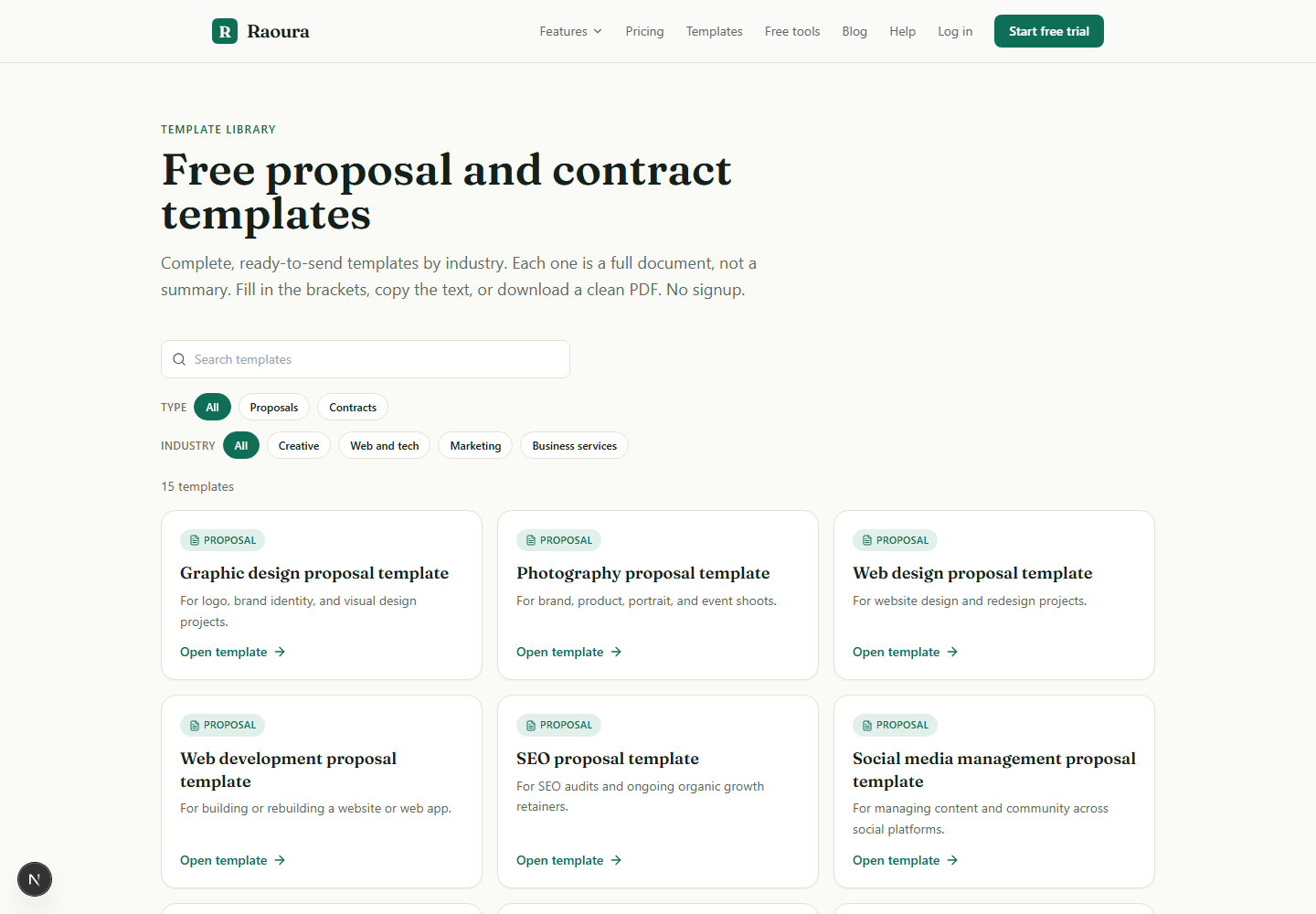
If you want the direct comparison rather than the migration mechanics, we wrote Raoura vs Dubsado, and if you would rather look wider, Dubsado alternatives covers the field.
Whatever you choose, choose it in a quiet week that you picked, not in the 30 days after an email you did not expect.
Frequently asked questions
When is Dubsado 2.0 shutting down?
No date has been announced. Dubsado has said only that 2.0 will be sunset "sometime in 2026" with "plenty of advance notice", a statement made on its 3.0 announcement page and repeated on its llm-info page. As of July 18, 2026, 199 days into the year, no notice has been published in Dubsado's changelog or elsewhere publicly.
Will I lose my data when 2.0 is retired?
Dubsado states that all account data (projects, forms, invoices, workflows, and client information) transferred automatically into 3.0 during the 2025 rollout, so migrating to 3.0 should not lose data. The risk is not data loss. It is configuration you rebuilt in 2.0 after transferring, plus anything you would need if you left Dubsado entirely, which is where the CSV limits matter.
Can I still switch back to 2.0 after trying 3.0?
Yes, as of today. Dubsado's FAQ confirms both versions run side by side at separate URLs and answers the switch-back question with "Yes!" That is a current state, not a permanent guarantee, which is the whole reason for parallel-testing now rather than later.
Is 2.0 still getting updates?
No. Dubsado states plainly that all new features and updates are built exclusively in 3.0 and that 2.0 "will not receive further feature releases". Any workflow you build in 2.0 today is work you will do twice.
Do I have to move to 3.0, or can I move to a different tool?
You are not obligated to move to 3.0. Because the migration cost is comparable in either direction, the sunset is a reasonable moment to evaluate alternatives, particularly if your dependency audit came back short. Keep your Dubsado account active until your data is out and your unpaid invoices have cleared.
What is the single most useful thing to do today?
Step 2. Pull the CSVs and copy your forms and canned emails into one document. It takes about 90 minutes and it is the only step that helps you no matter which direction you eventually go.
The short version#
Dubsado has promised to retire 2.0 in 2026 and, 199 days into 2026, has not said when. The page carrying that promise has not been meaningfully updated since November 2025.
You cannot control the announcement. You can control four things: knowing which two or three 2.0 behaviors you actually depend on, keeping a current data go-bag, having tested 3.0 against one real project, and having a cutover week already marked on your calendar.
Do those and the email, whenever it comes, is just an email.
All Dubsado statements, pricing, and documentation dates in this article were verified against primary sources on July 18, 2026. Because Dubsado has not published a sunset date, we recheck this page monthly.
Run your client work in one place
Send a proposal, get it signed, invoice, and get paid, with a branded portal your clients will actually use. One flat plan at $17/month, and we never take a cut of your payments.
Try Raoura free for 14 daysNo credit card required. Set up in minutes.
Keep reading
7 17hats Alternatives for Solos Who Don't Need $60/mo Software (2026)
17hats now costs around $60 per month on a single all-inclusive plan, which is a lot for one freelancer. Here are 7 alternatives from $0 to $36 per month, with honest tradeoffs for each.
Card vs ACH vs Wire for Big Freelance Payments
On a normal invoice, the payment rail barely matters. On a five-figure deposit or project payoff, it is the difference between a $5 fee and a $290 one, and the guides that cover this either skip wire transfers entirely or repeat a Form 8300 myth that is not true. Every fee and rule below is verified from Stripe, Nacha, the IRS, and current bank fee schedules.
Demand Letter for an Unpaid Invoice: Free Template (No Email Gate)
The full demand letter template is on this page, no signup, no trial. Plus the one paragraph that legally doubles what your client owes you in New York, Illinois, and California, the exact certified mail math, and an honest answer to whether demand letters actually work. Verified against primary sources in July 2026.