Submit and approve milestones
Mark a milestone delivered, let the client review it, and get it approved and paid.
When a milestone is done, you mark it delivered, and the client reviews, approves, and pays it from their portal.
Your side: mark it delivered#
- Open the project.
- On the finished milestone, click Mark delivered.
- Attach any deliverables first (files up to 25MB, or links like a staging URL or a Figma) so the client has something to review.
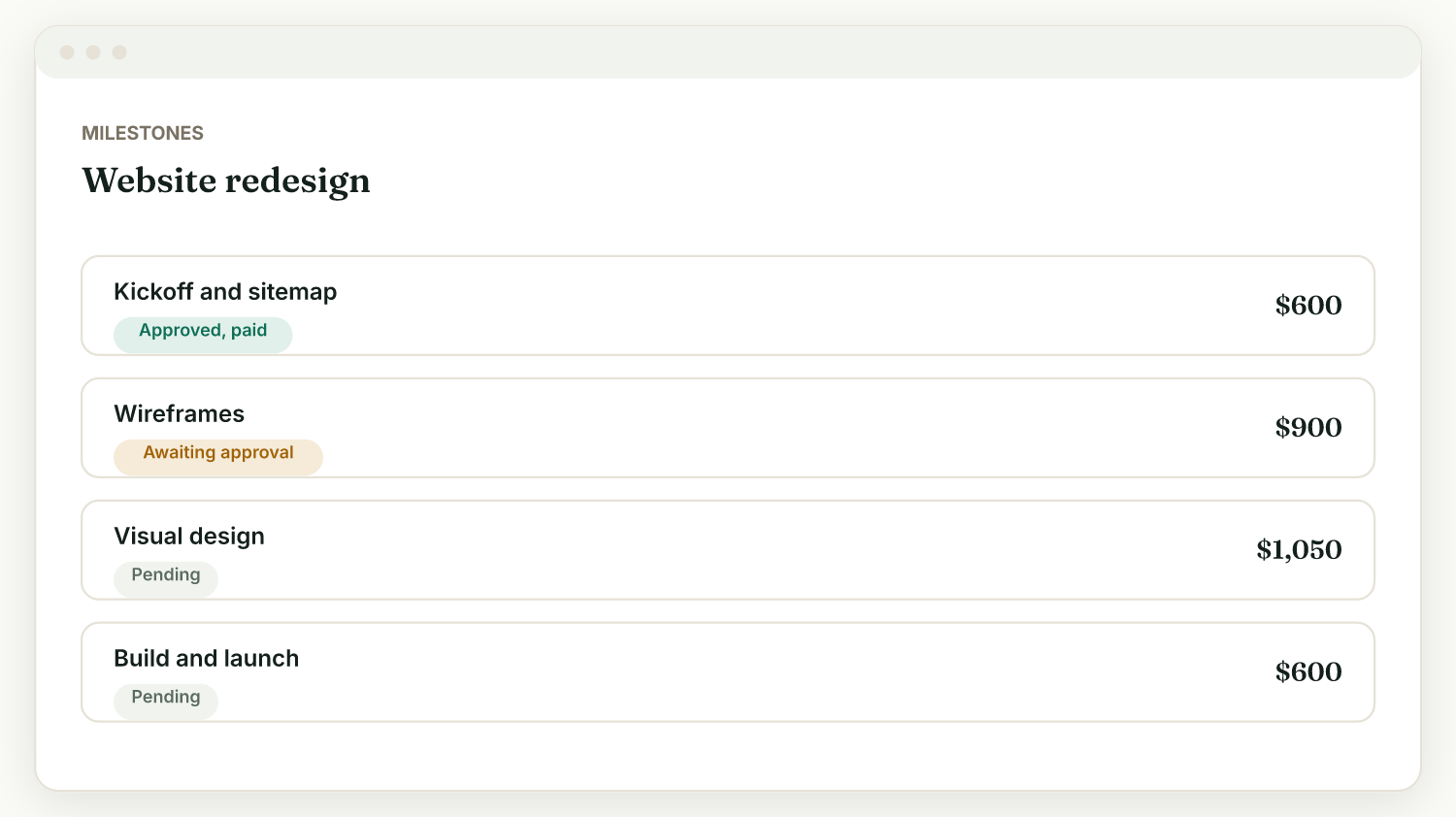
The client's side: review and approve#
On their project page, the client sees the milestone as ready to review. They can:
- Approve it, and pay it if it has an amount and you have Stripe connected.
- Request changes if something is off.
You get notified either way (turn on activity notifications in Settings, Account, Preferences).
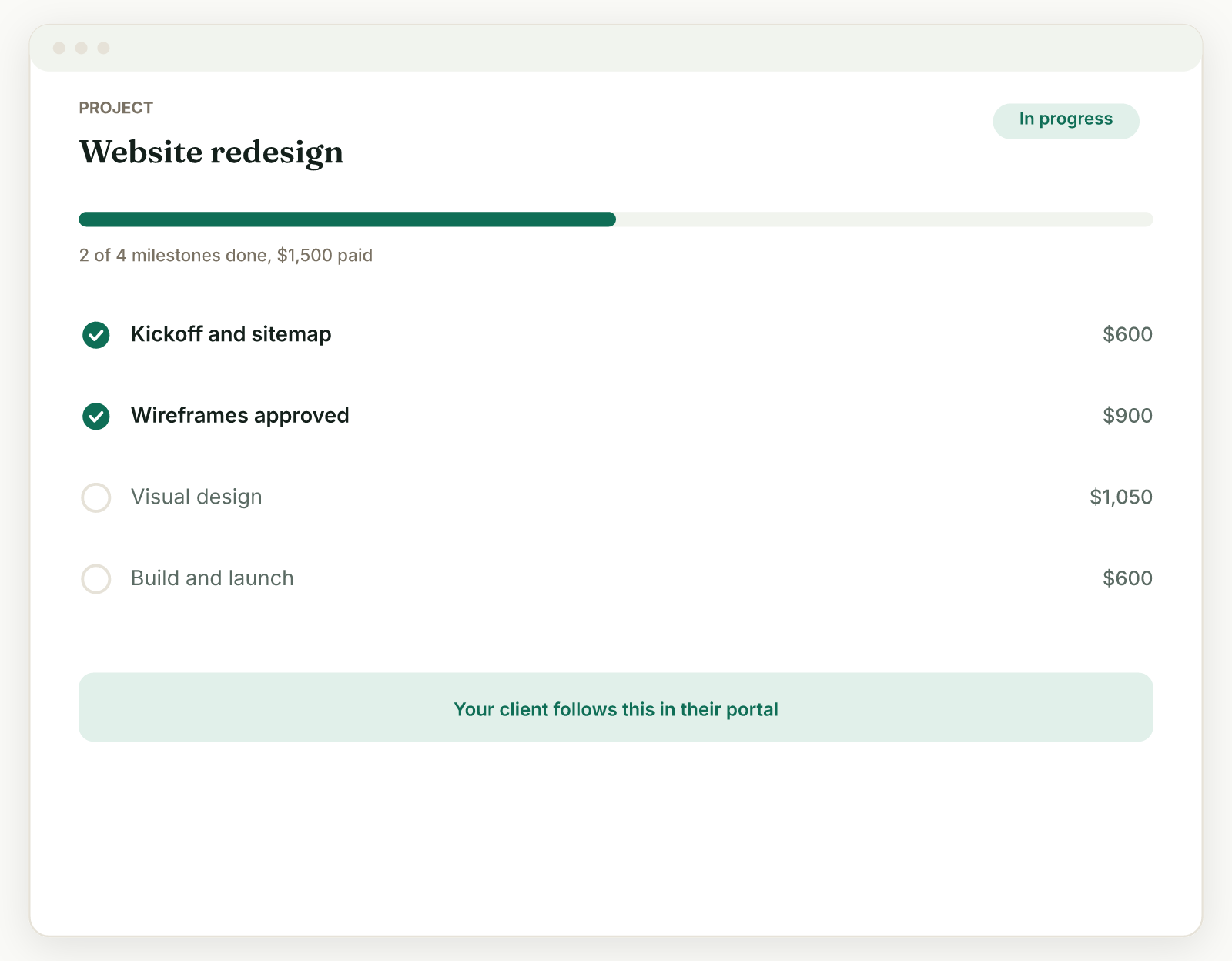
If the client goes quiet#
Turn on project update reminders in Settings, Reminders, and Raoura reminds the client to review a delivered milestone on day 3 and day 7. You can pause reminders for a single project from its page without changing your defaults.
Pay to unlock#
Deliverables marked "Pay to unlock" only open for the client after the milestone is paid, so approval, payment, and handover happen in the right order.
Related
Ready to try it yourself?
Raoura is one flat plan at $17/month, with a 14-day free trial and no credit card required.
Start free trial