Invoice line items, tax, and discounts
How to build up an invoice total from line items, discounts, and tax.
An invoice total is built from its line items, adjusted by any discount and tax you add.
Line items#
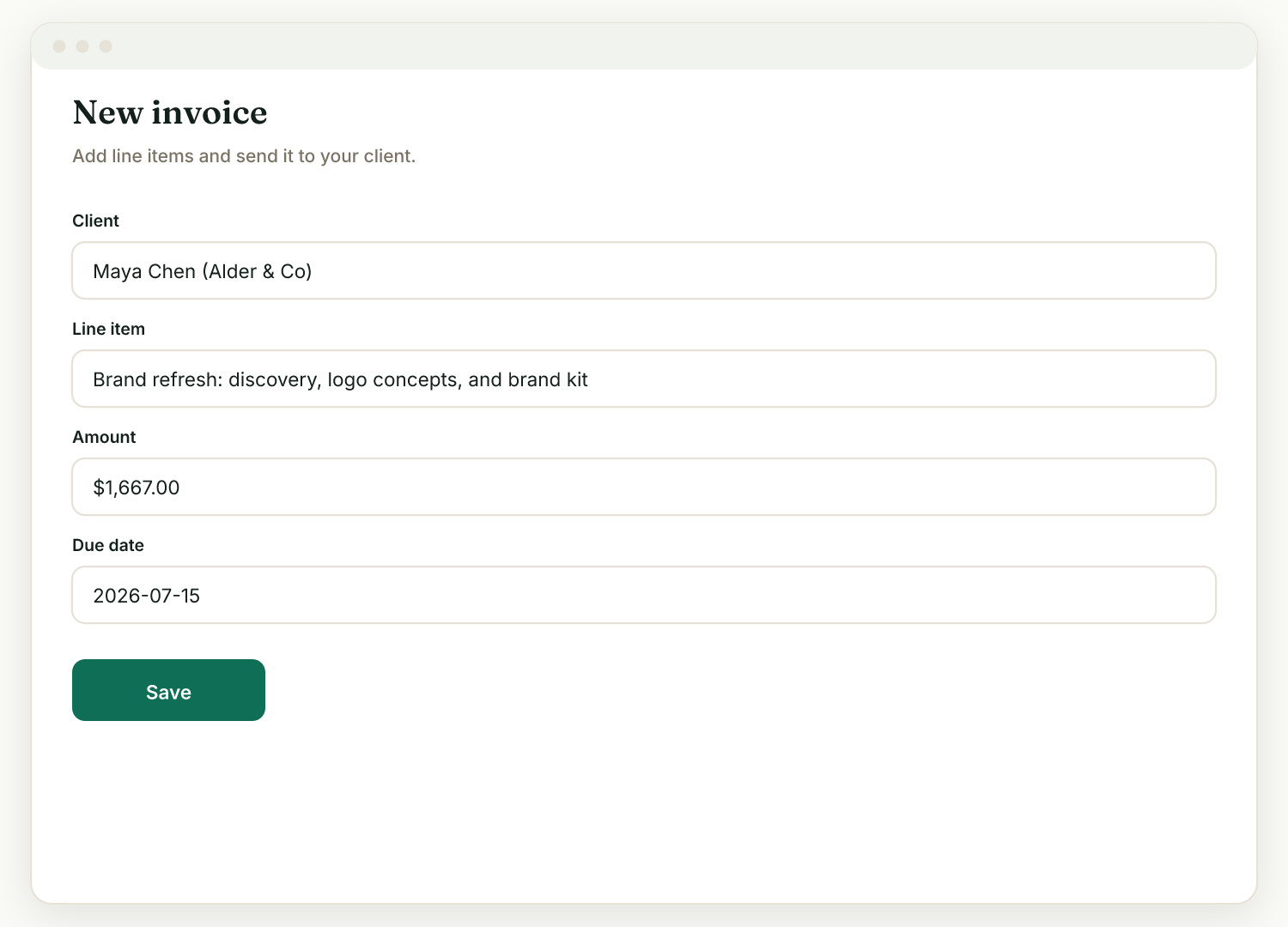
- On the invoice form (Invoices, then New), add a line for each thing you are billing.
- If the invoice comes from an accepted proposal (Generate invoice), your priced lines carry over, no re-entry.
Discounts and tax#
Add any discount or tax on the same form, along with the due date. The invoice shows the client exactly how the total is built, and amounts are always exact, in your account currency, with no rounding surprises.
Raoura is not a tax advisor: you choose the tax that applies to your work, and it is displayed on the invoice for the client.
Late fees#
If you want a late-fee policy on your invoices, go to Settings, then Payments, and enable the standard late-fee clause. Raoura displays the terms on your invoices; it does not automatically charge the fee.
Keep money in integers#
Behind the scenes Raoura handles money precisely, so what you enter is what the client sees and pays, down to the cent.
Related
Ready to try it yourself?
Raoura is one flat plan at $17/month, with a 14-day free trial and no credit card required.
Start free trial