What Is a Client Portal? A Plain Definition, and Whether a Business of One Needs It
Ask Google "what is a client portal" and you get answers written for law firms, accounting departments, and companies with an IT team. One of the top-ranking pages, Moxo's guide, pegs the cost at "$50 to $500+ per month" and more or less tells solopreneurs the product is not for them. Another walks you through "legacy system migration planning". None of them answers the question you are actually asking, which is: what is this thing, and does a business of one need it, or is it another subscription you can skip?
We read the five pages that rank for this query in July 2026. Zero of them are written for a one-person business, four are portal vendors selling their own product, and every price we checked was wildly off for the tools freelancers actually use. So here is the plain answer, the honest decision framework, and the real 2026 prices with sources.
One thing up front: this is the Raoura blog, and Raoura includes a client portal. Disclosure: Raoura is our product. The definition, the framework, and the prices below stand on their own whether or not you ever try it.
What is a client portal?#
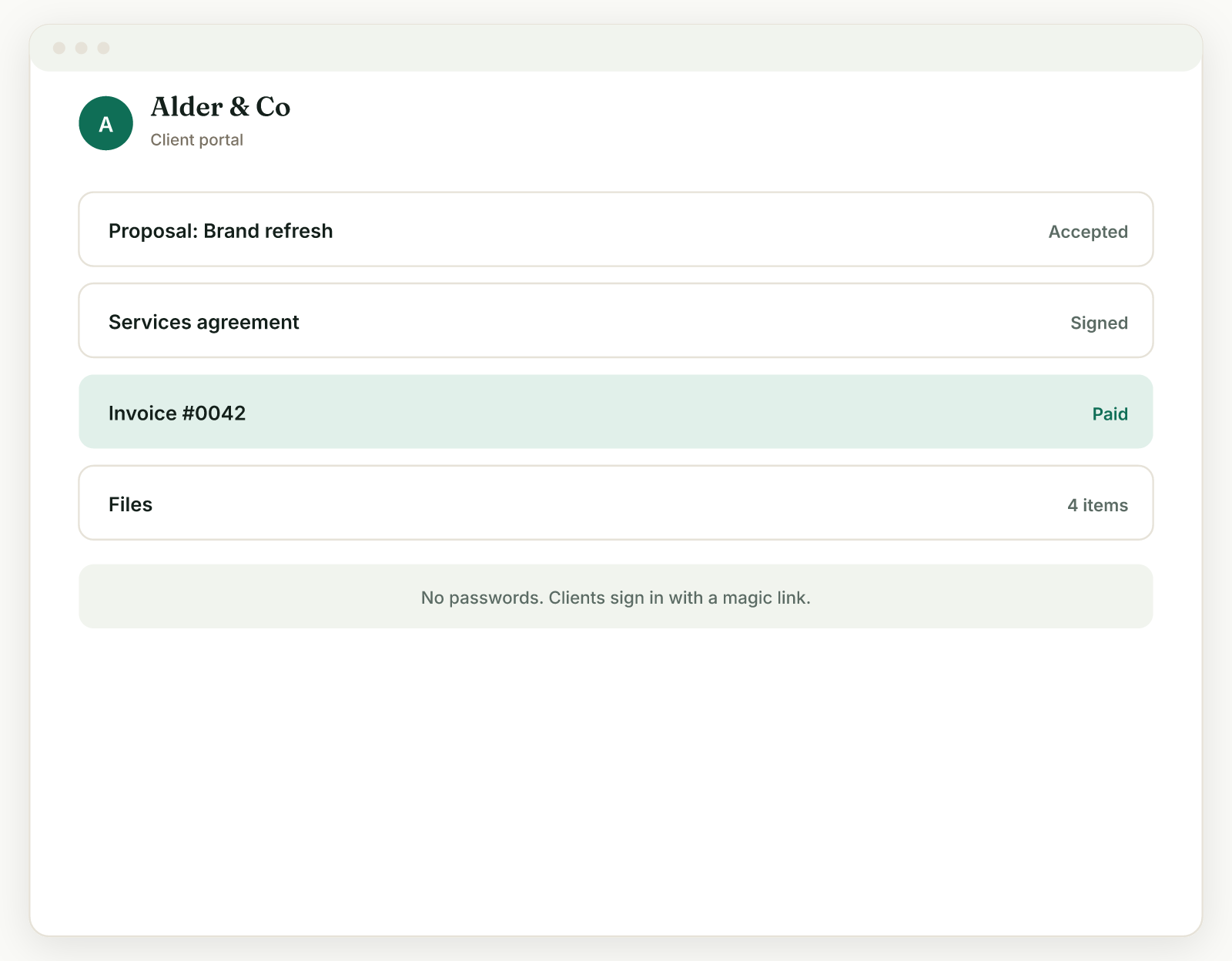
A client portal is a private web page where one client sees everything about their project in one place: files, proposals, contracts, invoices, messages, and current status, replacing the 5 separate surfaces clients otherwise juggle (email threads, file share links, PDF invoices, e-signature requests, and "any update?" calls).
That is the whole concept. Your client gets a link. Behind that link is their project and only their project: the proposal they accepted, the contract they signed, the invoices they can pay, the files you have delivered, and where things stand right now. They do not see your other clients. They do not need to dig through months of email to find the contract. They do not need to ask you where the latest version lives, because the latest version is the one in the portal.
Wikipedia's definition calls it "an electronic gateway to a collection of digital files, services, and information, accessible over the Internet through a web browser." Accurate, but it undersells the point for a freelancer. The point is not the technology. The point is that "where is that file?" and "did you get my invoice?" stop being emails you receive.
A client portal is not a CRM (that is your internal view of all clients; the portal is one client's external view of their own project), not a shared drive (that is files only, with no invoices, contracts, or status), and not a project management tool like Trello or Asana (those are built for teams working together, not for a client checking in). More on those differences below.
What a client portal actually does for a solo freelancer#
A typical solo freelancer's portal handles 6 jobs: file delivery, proposal acceptance, contract signing, invoice payment, project status, and messages, each of which otherwise generates its own email thread.
Concretely, a portal is where:
- Clients pay you. The invoice sits in the portal with a pay button. No PDF attachment, no "I never got it," no typing bank details from a screenshot. If you want the full argument for why payment should live behind a client-facing page rather than an attachment, we made it in how to get clients to pay invoices on time.
- Clients sign things. Proposal acceptance and contract e-signature happen on the same page where the documents live, with an audit trail.
- Files change hands in both directions. You deliver work there; clients upload their logo, brand assets, and that spreadsheet they keep promising.
- Status is visible without a meeting. Milestones and progress sit on the page, so "just checking in" emails answer themselves.
- The paper trail assembles itself. Everything agreed, sent, signed, and paid is in one place if a dispute ever comes up.
- You look bigger than you are. A branded page at your own domain reads as infrastructure. A thread of attachments reads as improvisation.
Here is a number worth sitting with: McKinsey's research on interaction workers found people spend 28 percent of the workweek managing email and nearly 20 percent looking for internal information. That study looked at employees, but the mechanics are worse for you, because you are both the worker and the help desk. Run your own math on the help desk part: if each active client pings you 3 times a week for a file, a link, or a status, and each ping costs 10 minutes of context switching, that is 26 hours a year, per client. That number is our own back-of-envelope model, not a study, so test it against your own inbox. But count this week's "can you resend" emails before dismissing it.
Client portal vs email, shared drive, and CRM#
Of the 4 common ways solos share work with clients, only a portal covers files, payments, signatures, and status in one place; the other 3 each cover at most one or two.
| Email + attachments | Shared drive (Drive/Dropbox) | CRM | Client portal | |
|---|---|---|---|---|
| File delivery | Yes, but versions fork | Yes | No | Yes |
| Client can pay an invoice | PDF only, no pay button | No | No | Yes |
| E-signature on contracts | Via a separate tool | No | Via a separate tool | Yes |
| Project status visible to client | Only if you write it | No | No | Yes |
| Client sees only their own project | Yes | Only if permissions are right | n/a (internal tool) | Yes |
| One link to everything | No, it is scattered | Files only | No | Yes |
| Extra monthly cost | $0 | $0 to $12 | $0 to $20 | $17 to $29 |
Two honest notes on that table. First, email plus a shared drive is genuinely fine for plenty of freelancers, and the next section is about exactly when. Second, the CRM column is not a knock; a CRM answers "what is happening across all my clients," which is a different question than "what does this one client see." We have argued before that most solos do not need a CRM at all; they need a small set of jobs done, and the portal is the client-facing half of that set.
Does a solo freelancer actually need one?#
You can skip a client portal if you have 1 or 2 concurrent clients, projects under 2 weeks, no client payments by card, and clients who reply in one thread; past roughly 3 concurrent clients or multi-week projects, the admin math flips.
Nobody ranking for this query will tell you when not to buy, so we will. Email and a shared drive are enough when:
- You run one or two projects at a time, so nothing gets lost because there is not much to lose.
- Projects are short. A one-week logo job does not need a status page.
- You get paid by bank transfer or check anyway, so a pay button changes nothing.
- Your clients are organized people who keep one thread alive and never ask you to resend things. These clients exist. Cherish them.
The math flips when any of these show up:
- Three or more concurrent clients. The "where is that file" pings stop being occasional and start eating your Tuesdays.
- Multi-week or milestone projects. Status questions multiply with duration. If you bill by milestone (we think you should), the portal is where clients see and approve each phase.
- Card or online payment. Once clients pay online, the invoice needs to live somewhere a payment can happen, and that somewhere is a portal whether you call it that or not.
- Repeat clients. The second project with the same client is where a permanent "their page" starts paying for itself.
- You are trying to move upmarket. Direct clients who left agencies expect a place to log in. A portal is the cheapest piece of "we have infrastructure" you can buy.
If you sit clearly in the first list, close this tab and keep your $17 to $29 a month. If you are in the second, the next question is cost.
How much does a client portal cost in 2026?#
For the tools solo freelancers actually use, the cheapest plan that includes a client portal runs $17 to $29 per month in July 2026, averaging $21.25 on annual billing across the four tools below, not the "$50 to $500+" the enterprise-facing pages claim.
The pages ranking for this query either publish no prices or quote enterprise figures. Here are real ones, each checked against the vendor's own pricing page this month. Watch the tier gate: the advertised starting price often does not include the portal.
| Tool | Cheapest plan WITH portal (annual billing) | Monthly billing | Portal on cheapest advertised plan? | Source |
|---|---|---|---|---|
| Raoura | $17/mo | $17/mo | Yes, one flat plan | raoura.com/pricing |
| SuiteDash | $19/mo | $19/mo | Yes, unlimited portals and white label | suitedash.com/pricing |
| Moxie | $20/mo (Pro) | $25/mo | No, Starter ($10/mo annual) has no portal | withmoxie.com/pricing |
| HoneyBook | $29/mo (Starter) | Higher, billed-yearly rate shown | Yes, plus 2.9% + $0.25 card fees on payments | honeybook.com/pricing |
Disclosure again: Raoura is our product, and yes, we put it in the table. The other three rows are there because they are the tools freelancers most often shortlist, and two of them beat plenty of alternatives. If you want the full field, we audited ten portals with every price sourced in our guide to the best client portal software for freelancers, including a free option and the rows where competitors beat us.
Also check what happens to payments. A portal that processes your invoices sometimes takes a cut on top of card fees. Our position is that your client tool should never touch your money: payments should run through your own Stripe account at Stripe's standard rates, with no platform markup and no one holding your funds.
Are client portals more secure than email?#
Yes, structurally: a portal keeps files behind authenticated access you can revoke, while an email attachment is a permanent, forwardable copy, and US regulators have treated emailed personal data as noncompliant since at least 2010.
Email's security problem is not that it gets hacked constantly. It is that an attachment, once sent, is out of your control forever: forwarded, auto-synced to devices you have never seen, sitting in an inbox that gets breached years later. The Journal of Accountancy was already advising accountants in 2010 that emailing personally identifiable information fails Gramm-Leach-Bliley requirements, which is why portals became standard in accounting (the Wikipedia entry on client portals carries the citation). And Verizon's 2026 Data Breach Investigations Report keeps finding that most breaches heavily involve the human element: social engineering, phishing, and stolen credentials, exactly the channel email lives in.
A portal narrows that surface. Files sit behind a login, access can be revoked when a project ends, and there is one copy, not one per forward. For most freelancers this matters less as "compliance" and more as basic professionalism when a client hands you their financials, customer list, or unreleased product shots.
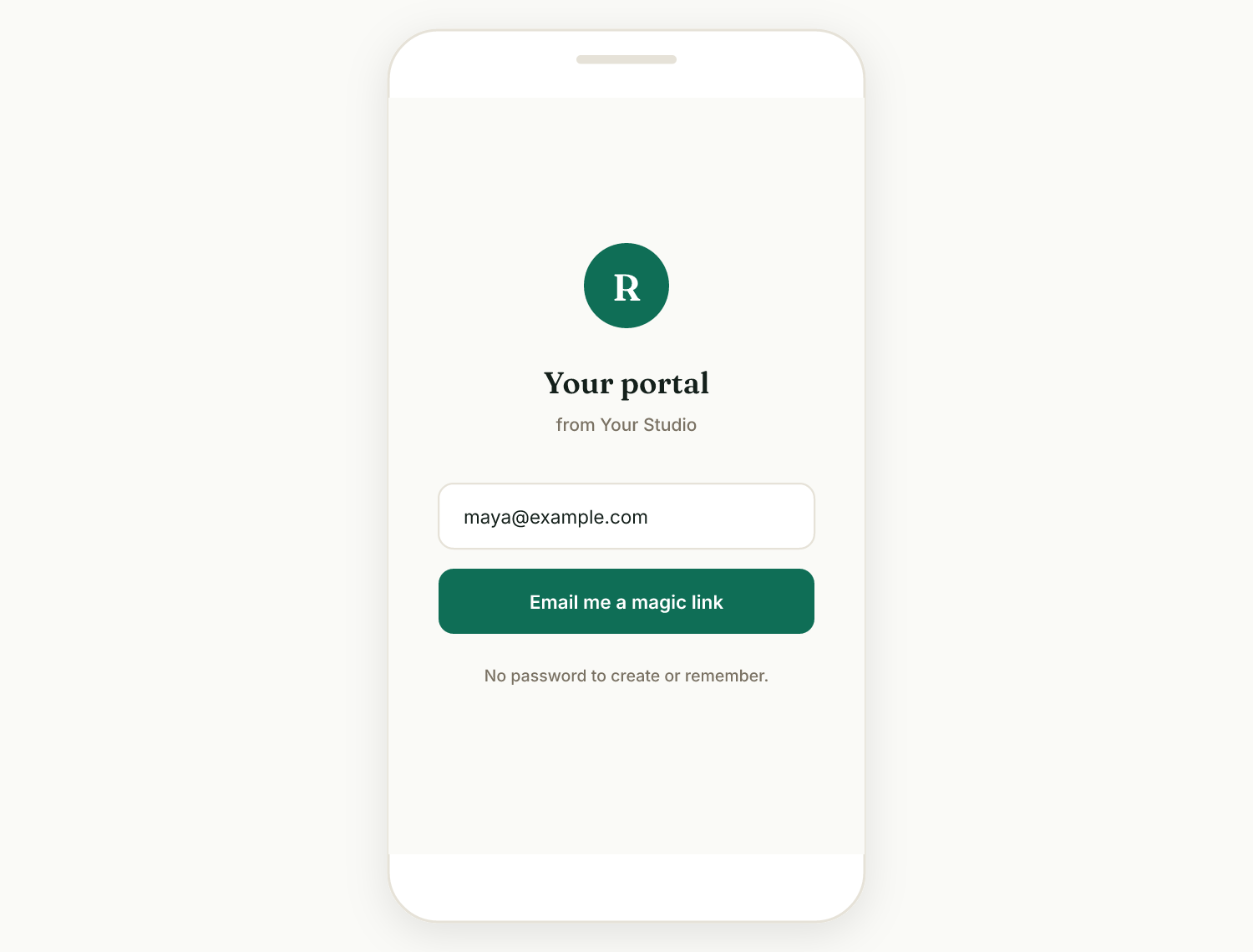
Do not oversell it to yourself, though: a portal secured with a weak password on the freelancer's side is just a prettier attack surface. Magic-link logins (the client clicks a link sent to their verified email, no password to reuse or leak) are the low-friction option most solo-focused tools have settled on, and they double as the answer to "my client will never remember another password."
How to set one up (this is an afternoon, not a project)#
Setting up a client portal with a prebuilt tool takes an afternoon: pick the tool, add branding, add one client, load their documents, and send one link; DIY builds in Notion or Softr take days and leave you maintaining software.
- Pick prebuilt over DIY unless tinkering is the point. The DIY route (Notion pages, Google Sites, Softr on Airtable) can hit $0 to $12 a month, but you become the developer: permissions, payment links, e-signature glue, and upkeep are all yours. Prebuilt portals cost $17 to $29 and the glue is the product.
- Brand it. Logo, colors, and ideally your own domain, so the portal reads as yours, not as someone else's app with your name inside.
- Add one real client and one real project. Not a test client. The fastest way to find friction is a real project you are running this week.
- Load the documents that generate questions. The contract, the current invoice, the latest deliverable, the milestone list.
- Send the link with one sentence. "Everything for your project lives here from now on, including invoices you can pay online." Then hold the line: when they email asking for a file, reply with the portal link, warmly, every time. Adoption is a habit you set, and it starts during onboarding.
In Raoura (disclosure: our product), this whole list is the setup flow: the portal is included in the one $17 plan, clients log in with magic links, and payments run through your own Stripe account with no markup from us.
Frequently asked questions
What is a client portal in one sentence?
A client portal is a private web page where your client sees and acts on everything in their project: files, proposals, contracts, invoices, messages, and status.
What is the difference between a client portal and Dropbox or Google Drive?
A shared drive moves files. A portal moves files plus the rest of the relationship: invoices your client can pay, contracts they can sign, and status they can check. If files are your only pain, a drive is enough.
What is the difference between a client portal and a CRM?
A CRM is your internal view across all clients. A portal is one client's external view of their own project. Many freelancer suites include both, but they answer different questions.
How much does a client portal cost?
For solo-freelancer tools in July 2026, the cheapest plan that includes a portal runs $17 to $29 per month (Raoura $17, SuiteDash $19, Moxie Pro $20 annual, HoneyBook Starter $29 annual). Enterprise portal pricing of $50 to $500+ per month does not apply to a business of one.
Can clients pay invoices through a portal?
Yes, and it is the single biggest reason freelancers adopt one. Check whether payments run through your own Stripe account or the vendor's platform, and whether the vendor adds fees on top of card processing.
Are client portals secure?
More secure than email attachments, because access is authenticated and revocable rather than copied and forwardable. Look for magic-link or two-factor login and the ability to remove access when a project ends.
Do clients actually use portals?
They use portals that are the only place something they want lives: the invoice, the deliverable, the approval button. Adoption fails when the portal duplicates email instead of replacing it, so route everything through it from day one and reply to "can you resend" emails with the portal link.
Do I need a client portal as a freelancer?
Not always. With 1 or 2 concurrent clients, short projects, and offline payment, email plus a shared drive is fine. At 3 or more concurrent clients, multi-week or milestone projects, or online payment, a portal typically pays for itself in recovered admin time.
Definitions, pricing, and sources verified July 2026 against the linked vendor pricing pages and reports. Prices change; if you spot something stale, tell us and we will fix it.
Run your client work in one place
Send a proposal, get it signed, invoice, and get paid, with a branded portal your clients will actually use. One flat plan at $17/month, and we never take a cut of your payments.
Try Raoura free for 14 daysNo credit card required. Set up in minutes.
Keep reading
7 Bonsai Alternatives Now That Bonsai Belongs to Zoom (2026)
Zoom acquired Bonsai in late 2025, Bonsai's blog has been quiet since March 2025, and the product is drifting toward agencies. Here are 7 alternatives for solo freelancers, with verified pricing and the fee math Bonsai does not lead with.
7 Dubsado Alternatives That Do Not Need a $2,000 Setup Specialist (2026)
Dubsado's power comes with a catch: new pricing of $35 to $55 per month, and a setup so involved that certified specialists charge $2,000 to $3,500 to do it for you. Here are 7 alternatives you can set up in an afternoon.
Late Fees for Freelancers: What Is Legal and What Actually Works
The standard freelance late fee is 1.5% per month, but almost everything else you have read about late fees is either vague or wrong. Here is what state law actually allows (with the statutes and court cases linked), the exact clause wording that holds up, the invoice data on whether late fees work, and the three states where the law now does the collecting for you.