Raoura vs a spreadsheet and email stack: when DIY client management wins, and when it breaks
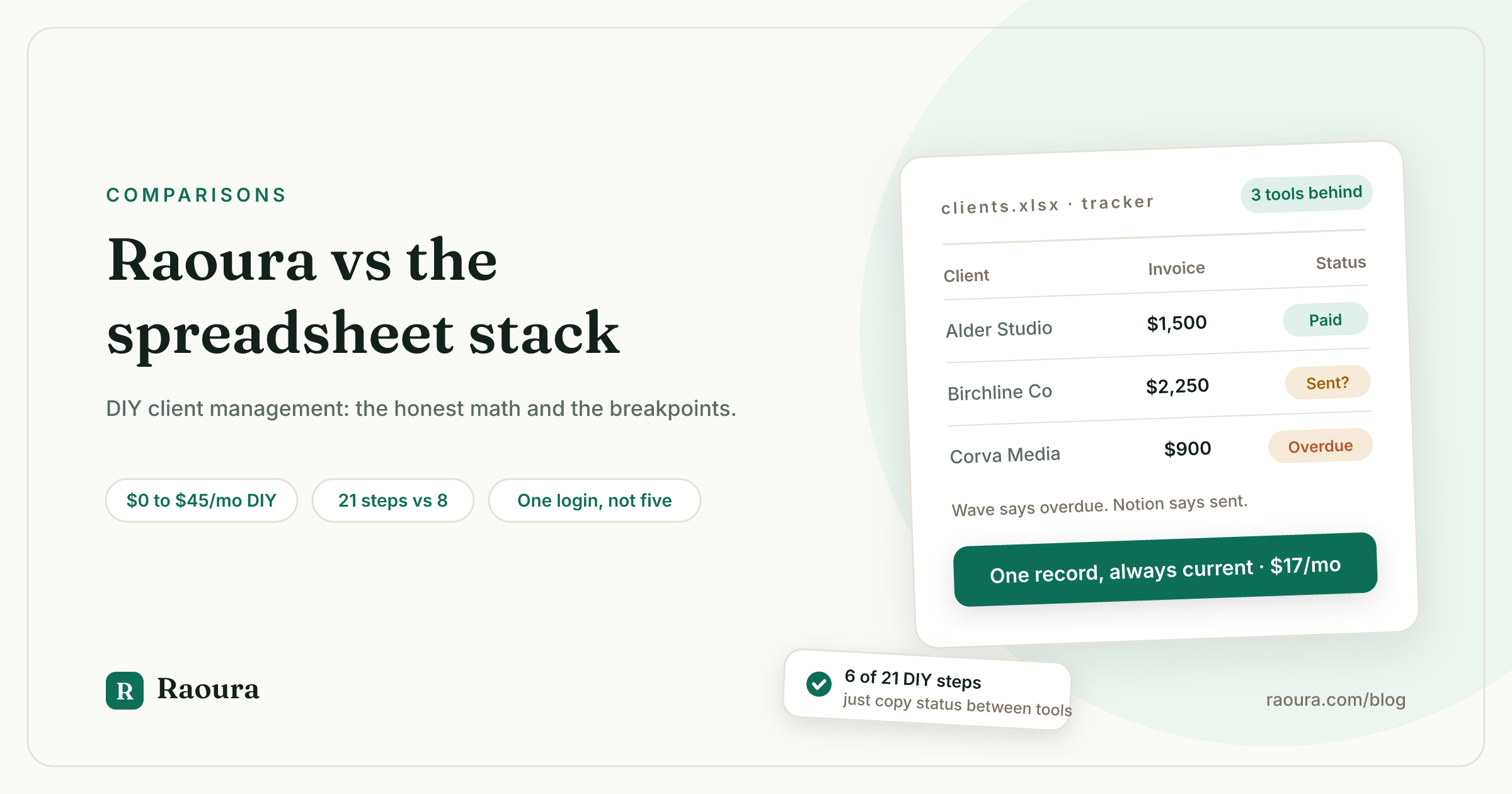
TL;DR: A working DIY client stack (Notion or Google Sheets, Gmail, Wave for invoicing, Dropbox Sign for contracts) costs $0 to $45 per month in subscriptions plus card processing fees, spread across four or five logins. It genuinely works for one to five clients with simple projects. It breaks on the things no spreadsheet can do: sending invoices, chasing them automatically, collecting signatures, and giving clients one place to look. We walked one fixed-price project through both setups and counted 21 manual steps in the DIY stack versus 8 in Raoura ($17/mo flat). Disclosure: Raoura is our product.
Every comparison post we write pits Raoura against another product. HoneyBook, Moxie, Dubsado. But that is not who we lose to most often, and every founder in this category will tell you the same thing if they are honest: the market leader for solo freelancer client management is a spreadsheet, a Notion page, and a Gmail tab.
So this post takes the real incumbent seriously. We build Raoura, and you should read everything below knowing that (disclosure: Raoura is our product). But the DIY stack is genuinely good at some things, it is nearly free, and for a certain kind of freelancer it is the right answer. The point of this article is to show you exactly where the line is, with verified prices and no hand-waving.
What the DIY stack actually consists of#
A complete DIY client management stack needs at least four tools, because Notion and Google Sheets have no invoicing and no e-signature, and it runs $0 to about $45 per month depending on how far you take it.
"Just use Notion" undersells what you actually need. A client relationship is not just a database row. It generates proposals, a contract that needs a signature, invoices that need to be sent and paid, files that need to change hands, and reminders when any of that stalls. Notion does none of the money parts: Notion's own client management guide tells you to handle invoices and contracts by embedding PDFs or Google Docs into a page, which is a polite way of saying "do that somewhere else."
So here is the honest bill of materials, with prices verified against each vendor's pricing page in July 2026:
| Job | Tool | Price | The catch |
|---|---|---|---|
| Client database and project tracking | Notion Free or Google Sheets | $0 | Notion Free caps file uploads at 5 MB, guests at 10, page history at 7 days, and charts at 1, per notion.com/pricing |
| Same, without the caps | Notion Plus | $10/member/mo on annual billing, per notion.com/pricing | Still no invoicing, e-sign, or payments |
| Email and follow-ups | Gmail (personal) | $0 | Every reminder is you, remembering |
| Invoicing and payments | Wave Starter | $0, unlimited invoices, per waveapps.com/pricing | Card processing at 2.9% + $0.60 per transaction (3.4% + $0.60 for Amex) |
| Contracts and e-signature | Dropbox Sign Essentials | $15/mo billed yearly ($180/yr), per sign.dropbox.com | A limited free tier exists for occasional signing |
| Gluing it together (optional) | Zapier | Free for 100 tasks/mo, two-step only; Professional from $19.99/mo, per zapier.com/pricing | Multi-step automations require the paid tier |
Run it fully free and your subscription cost is $0 with real feature walls. Take the common upgrades (Notion Plus and Dropbox Sign Essentials) and you are at $25 per month. Add Zapier Professional to automate the gaps and you are at about $45 per month, which is no longer a rounding error next to purpose-built tools. For context on what those cost, see our minimalist freelance stack teardown.
One more cost that hides in plain sight: Wave's card fee is 2.9% + $0.60, while Stripe's standard rate is 2.9% + $0.30 for domestic cards. Thirty cents per transaction is small, but it is a reminder to always read the per-transaction line, not just the subscription line. (Raoura connects your own Stripe account and adds no markup, so you pay Stripe's rate and nothing else. See why your client tool should never touch your money.)
What the spreadsheet stack does genuinely well#
For roughly one to five active clients with simple, low-document projects, the DIY stack is not a compromise: it is arguably the correct choice, and it costs $0.
We would rather be straight about this than pretend otherwise:
- It is free or nearly free. For a freelancer doing a few projects a year, $0 beats $17 every month it keeps working.
- It is infinitely flexible. No product manager decided what a "project" is. Your Notion workspace can model your exact weird workflow, and that flexibility is real. Tools like Raoura trade it away on purpose.
- There is nothing to learn. You already know Sheets and Gmail. Time-to-first-use is zero.
- No vendor risk. Nobody acquires your spreadsheet, raises its price 89%, or sunsets it with your data inside. If you have read our Fiverr Workspace post-mortem, you know that is not a hypothetical.
- Your data is exportable by definition. It was never anywhere else.
If that describes your business and none of the breakpoints below sound familiar, keep the spreadsheet. Genuinely. Bookmark this post for the month one of them shows up.
Where the DIY stack breaks, in order#
The DIY stack fails in a predictable sequence, and it starts with follow-ups: every reminder in a spreadsheet-and-email system depends on a human remembering to send it.
Having watched freelancers migrate into Raoura, and having read years of community threads about Notion-as-CRM, the failure sequence is remarkably consistent:
1. Follow-ups become the job. Nothing in Notion or Sheets chases anything. Proposal sitting unopened for six days, invoice three weeks overdue, contract unsigned: each one waits for you to notice, feel awkward, and write an email. The manual reminder problem is the single most common complaint from people running client work through Notion, and even Super's pro-Notion CRM guide concedes the follow-up system is per-item date reminders you set by hand. Our payment reminder templates make the writing part easier, but software should be sending them for you.
2. The status column drifts from reality. The spreadsheet says "invoice sent." Wave says "overdue." Gmail says the client replied asking to split the payment. Three tools, three versions of the truth, and the one you check is stale. Nobody audits their own spreadsheet, which is exactly why researchers who audit other people's find so much: field audits of real-world spreadsheets from 1997 onward found errors in 86% to 91% of the spreadsheets examined, per Raymond Panko's spreadsheet error research (University of Hawaii, EuSpRIG 2000). You may have seen this circulate as "88% of all spreadsheets contain errors," which overstates the claim; the verified finding is about audited operational spreadsheets in field studies, and it is bad enough without exaggeration.
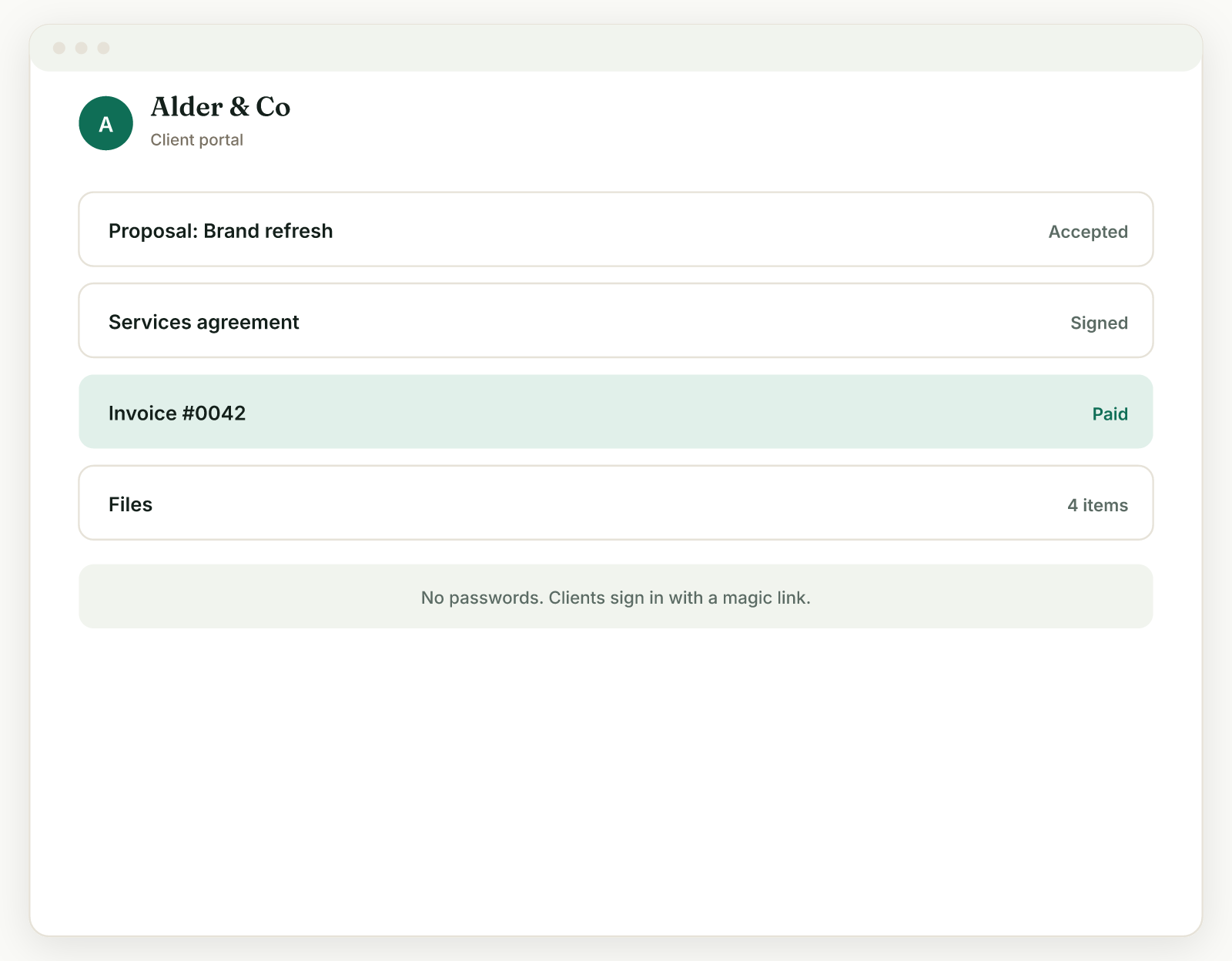
3. The client-facing surface embarrasses you. Clients get links to a Doc here, a Wave invoice there, a Dropbox folder somewhere else. Notion's answer is inviting clients as guests, but the Free plan caps you at 10 guests total, which a handful of two-stakeholder clients exhausts, and a shared Notion page reads as exactly what it is. A client portal exists to solve this: one branded link where the client sees their proposal, contract, invoices, and files.
4. Documents outgrow the duct tape. Notion Free's 5 MB per-file upload cap rules out most final deliverables. And when a client finally asks to e-sign, you discover neither Notion nor Sheets can do it at any price, and Google's built-in eSignature for Docs requires a Workspace Business Standard plan or higher, per Google Workspace's pricing page. So you buy a signature tool, and the "free" stack now has a $15 line item.
5. You start paying for templates to fix the tool. A cottage industry sells "Freelancer OS" Notion templates that promise to make Notion behave like client management software. Some are well built. None of them add invoicing, payments, signatures, or automatic reminders, because templates cannot add capabilities, only layouts.
The 21-step project: our own count#
We walked one typical fixed-price project through both setups, and the DIY stack required 21 manual steps across four tools, of which 6 were pure status-copying; the same project in Raoura took 8 steps in one tool.
This is our own count, so here is the method: we took a standard $4,500 fixed-price project (proposal, contract, 30% deposit, one milestone payment, final payment, file handoff) and listed every action the freelancer must take, from "new lead says yes to a quote" to "project closed." Reading a notification did not count as a step; creating, sending, updating, or copying something did.
| Project stage | DIY stack (Notion + Gmail + Wave + Dropbox Sign) | Raoura |
|---|---|---|
| Track the client | Add row in Notion (1) | Add client (1) |
| Proposal | Draft in Docs, export PDF, attach to Gmail, send, chase by hand, update Notion status (5) | Draft from template or AI, send tracked link (2) |
| Contract | Draft contract, upload to Dropbox Sign, place fields and send, file signed PDF in Drive, update Notion (4) | Convert accepted proposal to contract, send for e-sign (2) |
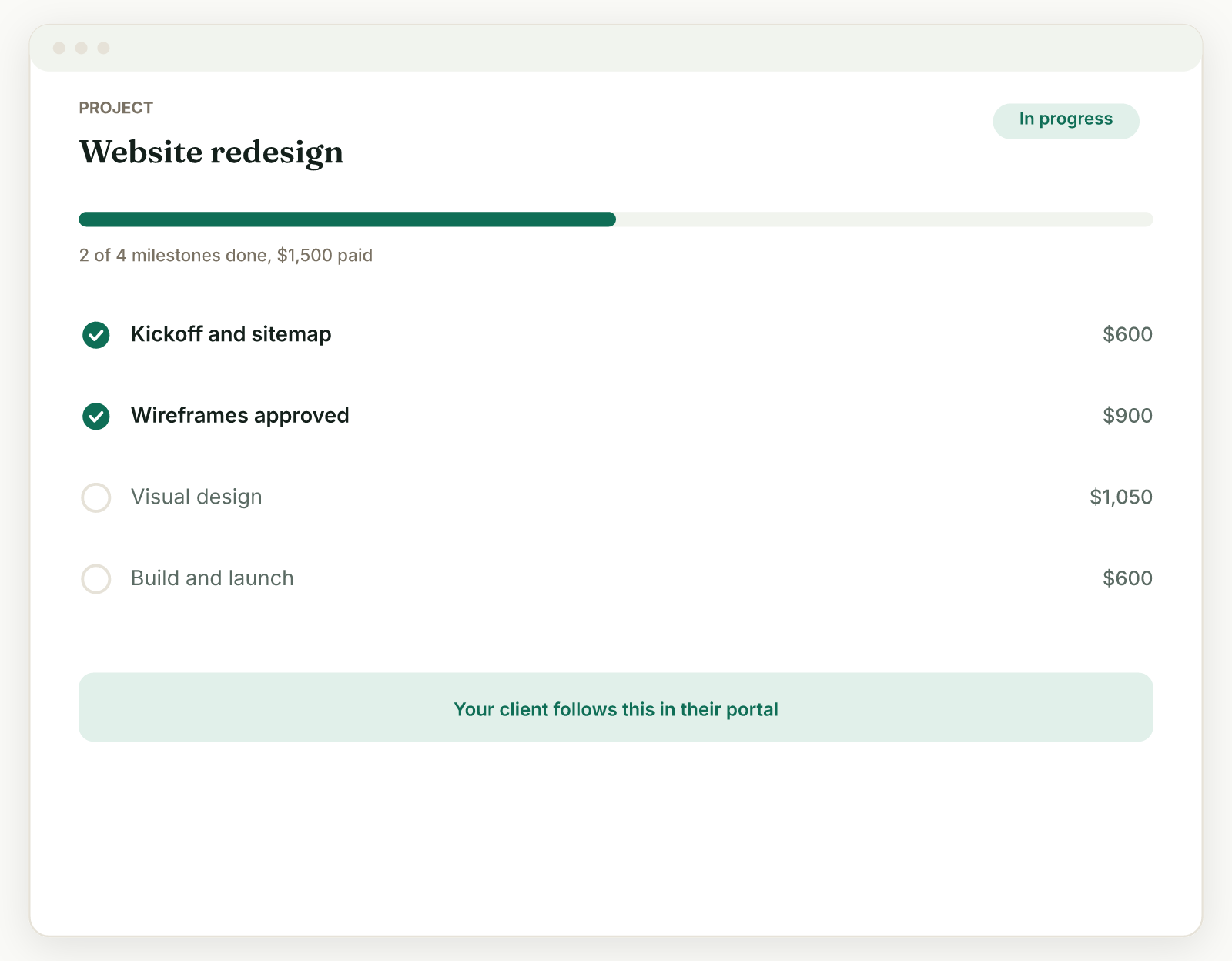
| Deposit | Create client in Wave, create and send deposit invoice, mark paid, update Notion (4) | Create project with deposit and milestones; invoices live in the same record (1) |
| Milestone payment | Create and send invoice, write the overdue chaser yourself, mark paid, update Notion (4) | Send milestone invoice; overdue reminders are automatic (1) |
| Final payment and handoff | Create and send final invoice, mark paid, share Drive link, close out Notion (3) | Send final invoice, share files in the portal (1) |
| Total manual steps | 21 | 8 |
Six of the DIY steps produce nothing a client ever sees: they are copying status from Wave or Dropbox Sign back into Notion so the spreadsheet stays true. That is the quiet tax of the DIY stack. It is not that any single step is hard, it is that the coordination work never stops, and it scales with every client you add. We put numbers on that overhead in the 6 unbilled hours, our teardown of where solo admin time actually goes, and late invoices themselves carry a documented cost in our freelance late payment statistics.
Side by side#
| Spreadsheet and email stack | Raoura | |
|---|---|---|
| Price | $0 to ~$45/mo depending on upgrades | $17/mo, one flat plan |
| Client database | Yes, fully custom | Yes, opinionated |
| Proposals | Docs + PDF + email, untracked | Templates plus AI drafting, tracked |
| Contracts and e-sign | Only with a paid add-on ($15/mo Dropbox Sign) | Included |
| Invoicing | Separate tool (Wave, free, 2.9% + $0.60 cards) | Included, deposits, payment plans, multi-currency |
| Overdue reminders | You, manually | Automatic |
| Client portal | Shared pages and links; Notion Free caps guests at 10 | Branded portal, magic-link login |
| Payment fees | Wave 2.9% + $0.60 | Your own Stripe at 2.9% + $0.30, no markup |
| Flexibility | Unlimited | Deliberately limited |
| Logins to check | 4 to 5 | 1 |
| Vendor risk | None | Real, mitigated by full data export |
| Setup time | Hours to model your workflow | An afternoon |
Who should pick which#
Keep the spreadsheet if:
- You have one to five clients and projects rarely involve contracts or staged payments
- Your workflow is unusual enough that opinionated software fights you
- $0 matters more than the coordination time, because you are early and time-rich
- You actively enjoy building and maintaining systems in Notion (some people do, and they build good ones)
Pick a purpose-built tool (ours or anyone's) if:
- You are sending invoices most weeks and chasing at least some of them
- Clients need to sign things, approve things, or pay in stages
- You have caught your own tracker being wrong about what is paid
- Adding a client should take a minute, not a modeling session
- You want clients to see one branded place instead of four kinds of links
If you land in the second group, compare more than one tool. Our client portal software comparison and what freelancers actually need instead of a CRM are built for exactly that shopping trip. Disclosure, again: Raoura is our product, it costs $17 per month on one flat plan with proposals, e-sign contracts, invoicing, projects, and a branded client portal included, and it adds no markup on payments.
Frequently asked questions
Is Notion a good CRM for freelancers?
Notion is a good client database and a poor client management system. It tracks clients, projects, and notes flexibly, but it has no invoicing, no payments, no e-signature, and no automatic follow-ups, and Notion's own guide recommends embedding external docs for contracts and invoices. It works best for one to five clients paired with separate invoicing and signature tools.
How much does it cost to manage clients in Notion?
Notion itself is $0 on the Free plan or $10 per member per month on Plus with annual billing, per its pricing page as of July 2026. A complete setup needs invoicing (Wave, $0 plus 2.9% + $0.60 card fees) and usually e-signature (Dropbox Sign Essentials, $15/mo billed yearly), so a realistic all-in DIY stack runs $0 to about $45 per month.
Can Notion send invoices?
No. Notion has no native invoicing, payment collection, or e-signature at any plan level as of July 2026. Invoice-themed Notion templates produce pages you export or screenshot, not invoices a client can pay. You need a separate tool like Wave, or a purpose-built freelance platform, to actually bill anyone.
Do most spreadsheets really contain errors?
The famous "88% of spreadsheets contain errors" line is a loose quote of Raymond Panko's research at the University of Hawaii. The verified finding: field audits of operational spreadsheets from 1997 onward found errors in 86% to 91% of the spreadsheets examined. That describes audited real-world spreadsheets in field studies, not every spreadsheet ever made, and it is still a strong reason not to run your receivables on one.
When should a freelancer switch from a spreadsheet to client management software?
Switch when coordination becomes a recurring cost: you are manually chasing invoices most months, clients need to e-sign or pay in stages, or your tracker has been wrong about what is paid. Under roughly five simple clients, a spreadsheet stack is usually fine; past that, the 13 extra manual steps per project (our count, above) start costing more than a $17 subscription.
All prices verified against vendor pricing pages on July 11, 2026 (Notion, Wave, Stripe, Dropbox Sign, Zapier, Google Workspace). Notion Plus and Business figures are annual-billing rates; month-to-month rates were not visible on the fetched page. Verified July 2026.
Run your client work in one place
Send a proposal, get it signed, invoice, and get paid, with a branded portal your clients will actually use. One flat plan at $17/month, and we never take a cut of your payments.
Try Raoura free for 14 daysNo credit card required. Set up in minutes.
Keep reading
7 Bonsai Alternatives Now That Bonsai Belongs to Zoom (2026)
Zoom acquired Bonsai in late 2025, Bonsai's blog has been quiet since March 2025, and the product is drifting toward agencies. Here are 7 alternatives for solo freelancers, with verified pricing and the fee math Bonsai does not lead with.
7 Dubsado Alternatives That Do Not Need a $2,000 Setup Specialist (2026)
Dubsado's power comes with a catch: new pricing of $35 to $55 per month, and a setup so involved that certified specialists charge $2,000 to $3,500 to do it for you. Here are 7 alternatives you can set up in an afternoon.
Late Fees for Freelancers: What Is Legal and What Actually Works
The standard freelance late fee is 1.5% per month, but almost everything else you have read about late fees is either vague or wrong. Here is what state law actually allows (with the statutes and court cases linked), the exact clause wording that holds up, the invoice data on whether late fees work, and the three states where the law now does the collecting for you.