Bonsai Pricing (2026): What Free Actually Includes
July 19, 2026
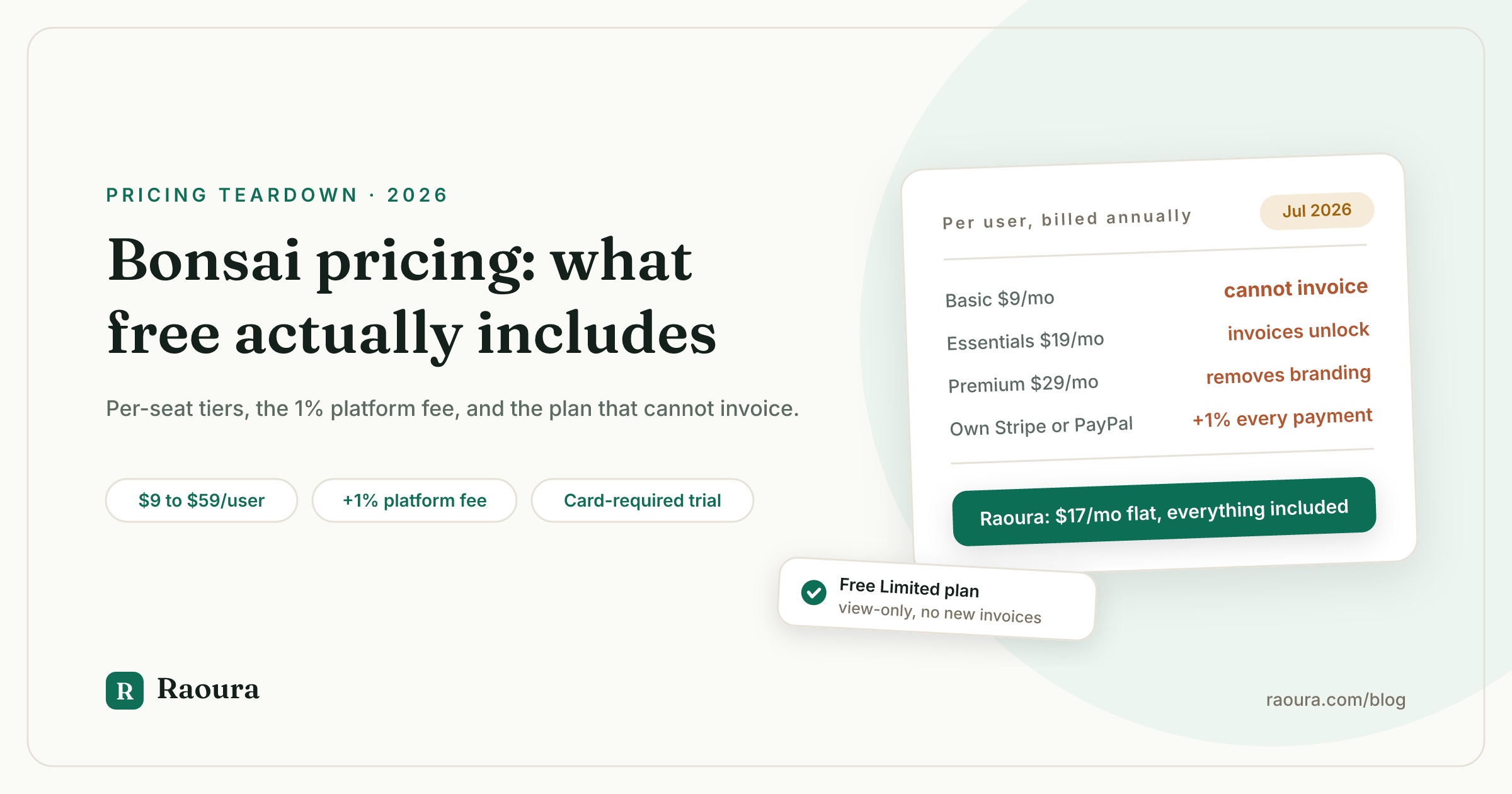
Every plan card on Bonsai's pricing page has a button that says "Start for free." We checked the top three pages ranking for "bonsai pricing" in July 2026, and between them they cannot agree on what that means:
- One flatly states Bonsai has no free anything.
- Another's own metadata claims the trial needs no credit card (Bonsai's help center says the opposite).
- None of the three mentions that a free Bonsai plan does exist, just not one you can sign up for.
So this is the teardown. What each Bonsai plan costs and excludes, what "free" actually gets you at each stage, the payment fees that live in the help center instead of on the pricing page, and how the real solo-freelancer total compares. Every number links to the primary source we checked this month.
What Bonsai costs in 2026#
Bonsai has four per-user plans: Basic at $15 per month, Essentials at $25, Premium at $39, and Elite at $59, with annual billing dropping those to $9, $19, $29, and $49 per user per month.
Verified against Bonsai's pricing page in July 2026:
| Plan | Monthly billing | Annual billing | Annual total (1 user) | Savings on annual |
|---|---|---|---|---|
| Basic | $15/user/mo | $9/user/mo | $108/yr | $72 (40% off $180) |
| Essentials | $25/user/mo | $19/user/mo | $228/yr | $72 (24% off $300) |
| Premium | $39/user/mo | $29/user/mo | $348/yr | $120 (25.6% off $468) |
| Elite | $59/user/mo | $49/user/mo | $588/yr | $120 (16.9% off $708) |
Three footnotes the cards do not shout about.
- Every price is per user, so a second seat doubles it.
- Elite has a stated 3 user minimum, which puts its real floor at $147 per month on annual billing or $177 on monthly, a team price wearing a freelancer label.
- The "Yearly, up to 4 months free" toggle claim only holds on Basic (40% off is 4.8 months); on Elite the discount is closer to 2 months.
There is no free plan on the page. All four cards are paid, and the "Start for free" buttons lead to a trial. Which brings us to the question in the title.
What "free" actually includes at Bonsai#
Free Bonsai comes in exactly two forms: a 7 day full-access trial that requires a credit card and auto-converts to paid on day 8, and a post-cancellation "Limited" plan that cannot send a single new invoice.
The trial first. Per Bonsai's own help center, updated April 2026: you get 7 days of full access to whichever plan you pick, you must enter card details to activate it, and on day 8 the card is charged automatically unless you cancel first. One genuinely fair detail that none of the ranking pages mentions: Bonsai grants a full refund if you ask within 14 days of an accidental charge. Set a calendar reminder anyway.
Then there is the free plan that does exist. When you cancel a paid subscription, Bonsai moves you to a free "Limited" plan.
What you keep:
- Projects, tasks, and time tracking.
- Adding expenses and income to bookkeeping.
- Client records and leads.
- View-only access to every proposal, contract, and invoice you already sent.
- Data export.
What you lose: the ability to issue any new invoice or document to a client.
Read that as a design decision. Free Bonsai is a read-mostly archive plus a time tracker, not a working billing tool. It is useful for one thing above all, getting your data out, and we walk through that export step by step in our Bonsai migration guide.
The plan a solo freelancer actually needs#
Bonsai's $9 to $15 Basic plan excludes invoicing, payments, proposals, contracts, forms, and the client portal, so the real entry price for a working freelancer is Essentials at $19 to $25 per month.
This is the decoy math at the heart of Bonsai's pricing. Per the pricing page's own comparison grid, Basic includes time tracking, task management, unlimited projects and clients, a CRM, and 10 GB of storage. What it does not include is everything you would recognize as running a client business: no invoices, no online payments, no proposals, no contracts, no intake forms, no client portal, no expense or income tracking.
In other words, the advertised $9 price cannot bill a client. The cheapest Bonsai that can, Essentials, costs $19 per user per month annually, 111% more than the number that gets Bonsai into "cheapest tools" listicles.
Essentials has its own fine print. Scheduling is capped at 1 event type. Automations, the deals pipeline, client tasks and messaging, profit reports, and the QuickBooks and Zapier integrations all sit up at Premium ($29 to $39). So does removing Bonsai's branding from what your clients see: white labeling starts at Premium, which on monthly billing is $468 per year.
A custom domain is listed on the grid with a footnote saying the feature is expected to release in 2026, so you would be paying for it before it exists.
The fees that are not on the pricing page#
Bonsai adds a 1% platform fee on every payment when you connect your own Stripe or PayPal account, on top of the processor's own 2.9% plus $0.30, and charges a 2.5% currency conversion fee on international payments.
None of this appears on the pricing page. It lives in Bonsai's payment methods help article, verified this month. The full picture:
- Bonsai Payments (available in the US, UK, Canada, and Australia only): 2.9% plus $0.30 on cards, 3.25% plus $0.30 on Amex, 1% on ACH with a $1 minimum, and an extra 1.5% for instant payouts.
- Your own Stripe or PayPal through Bonsai: the processor's normal cut, plus a 1% Bonsai platform fee (1.35% on Amex via Stripe) wherever Bonsai Payments is available.
- International payments: a 2.5% currency conversion fee on the invoice amount.
- Wire, check, or manual payment instructions: no Bonsai fee, but invoices do not mark themselves paid.
Run the platform fee on real revenue. A freelancer collecting $60,000 a year through their own Stripe account pays Bonsai an extra $600 per year, on top of the subscription, for the privilege of using a payment account they already own.
On a single $1,000 card invoice: $29.30 goes to processing through Bonsai Payments, $39.30 if you used your own Stripe, and $54.30 if that client paid a Bonsai Payments card invoice from abroad, where the 2.5% conversion fee adds another $25.
If you are outside the US, UK, Canada, or Australia, the math is worse, because Bonsai Payments does not operate there at all; your options start at Stripe or PayPal plus the platform fee. We think this whole category of fee is a structural conflict of interest, and we wrote the general case in why your client tool should never touch your money.
The Zoom factor#
Zoom announced its acquisition of Bonsai on November 5, 2025, closed the deal in December 2025, and Bonsai subscriptions can now be purchased through Zoom.
This matters for a pricing article because ownership drives pricing. Per Zoom's announcement, Bonsai "will remain a standalone platform, retaining the Bonsai brand," while Zoom looks forward to "incorporating Bonsai's capabilities directly into Zoom" over time. The site footer now reads "Bonsai, a Zoom company," the pricing page advertises a reduced rate for teams with 30 or more users, and dedicated onboarding starts at 10 seats. The product's center of gravity is visibly moving toward teams.
Nothing suggests solo prices change tomorrow. But if your business records live inside a platform whose new owner plans to absorb it, the free Limited plan's export function is your insurance policy. We covered what acquisitions have historically meant for freelance tools, including the AND.CO precedent, in what happens when your freelance tool gets acquired.
How Bonsai compares on price#
At $228 per year for the cheapest plan that can invoice a client, Bonsai Essentials undercuts HoneyBook and Dubsado but costs more than Moxie's entry plan and about the same as Raoura, before the 1% platform fee changes the math.
Entry-tier prices for the closest competitors, each verified against the vendor's pricing page in July 2026. Where a vendor hides monthly prices behind a script toggle, we use the annual figure its page actually shows:
| Tool and plan | Effective monthly (annual billing) | Annual total | 3 years on annual billing |
|---|---|---|---|
| Moxie Starter | $10 | $120 | $360 |
| Raoura (one flat plan) | $17 | $204 | $612 |
| Bonsai Essentials (1 user) | $19 | $228 | $684 |
| Dubsado Starter | about $28 | $335 | $1,005 |
| HoneyBook Starter | $29 | $348 | $1,044 |
| 17hats (one plan) | $50 | $600 | $1,800 |
The table flatters Bonsai slightly, because Bonsai is the only row where using your own payment account adds 1% to every transaction. Add the $600 platform fee from our $60,000 example and Bonsai Essentials' real year-one cost lands around $828, more than any row except 17hats and HoneyBook's higher tiers. Moxie's $10 entry plan, by contrast, already includes invoicing and contracts, which is the head-to-head we ran in Bonsai vs Moxie. The HoneyBook matchup is in Bonsai vs HoneyBook, and the full field, post-acquisition, is in our Bonsai alternatives guide.
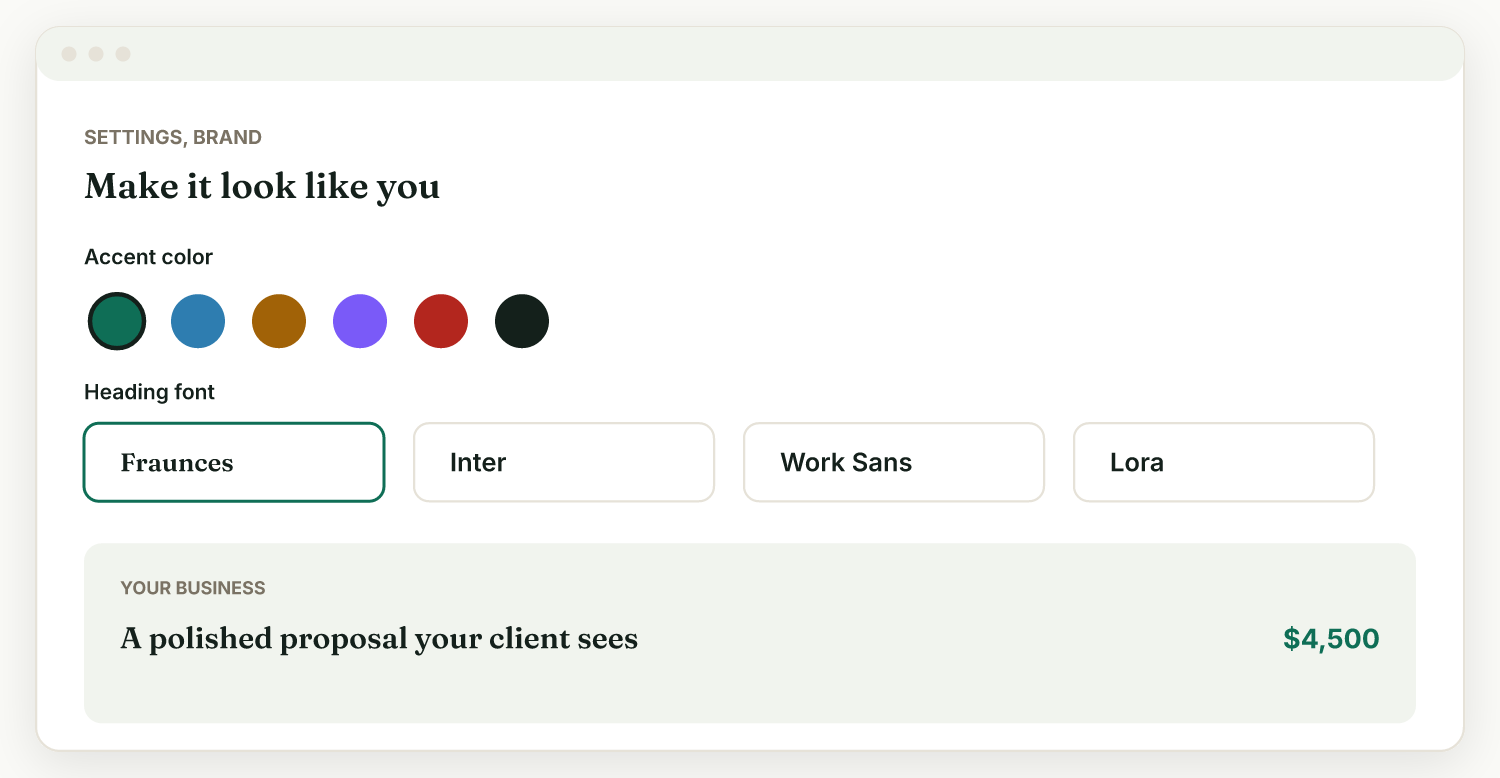
Raoura is the second row, and here is the disclosure: Raoura is our product. It is one plan at $17 per month with everything included, proposals, contracts, invoices, milestone billing, and a white-label client portal. There is no per-seat math, no tier gating, and no platform fee, because payments run through your own Stripe account and we never touch the money.
Is Bonsai worth its price?#
Bonsai Essentials at $228 per year is a fair price only if you will not use your own payment processor, do not need automations or unbranded documents, and are comfortable with the Zoom transition.
- Pay for Essentials if you want Bonsai's template library and all-in-one scope, your clients pay by ACH through Bonsai Payments (1% with no platform-fee stacking), and Bonsai branding on your documents does not bother you.
- Budget for Premium if the reason you want Bonsai is automation, QuickBooks, or looking like your own company to clients. That is the tier where Bonsai's marketing promises live, at $348 to $468 per year, plus the payment fees.
- Look elsewhere if you bill through your own Stripe account (the 1% fee taxes your revenue forever), you are outside the four Bonsai Payments countries, or the per-seat, four-tier, add-on structure is more pricing than your one-person business needs. The feature-by-feature version of that decision is in Raoura vs Bonsai. Disclosure again: Raoura is our product.
Frequently asked questions
How much does Bonsai cost per month?
$15 to $59 per user per month on monthly billing, or $9 to $49 per user per month billed annually, across four plans per Bonsai's pricing page. The cheapest plan that includes invoicing is Essentials at $25 monthly or $19 annually.
Is Bonsai free?
No plan you can sign up for is free. The "Start for free" buttons lead to a 7 day trial that requires a credit card and converts to paid automatically. A free "Limited" plan exists only after you cancel a paid subscription.
What does Bonsai's free Limited plan include?
Per Bonsai's help center: projects, tasks, and time tracking, expense and income entry, client records, view-only access to existing proposals, contracts, and invoices, and data export. It cannot send any new invoice or document to a client.
Does Bonsai charge transaction fees?
Yes. Bonsai Payments charges 2.9% plus $0.30 on cards and 1% on ACH. Connecting your own Stripe or PayPal adds a 1% Bonsai platform fee on top of processor rates, and international payments carry a 2.5% currency conversion fee.
Is Bonsai priced per user?
Yes, every plan is per user per month, and the Elite tier requires a minimum of 3 users, making its floor $147 per month on annual billing.
Do you need a credit card for the Bonsai free trial?
Yes. Bonsai's help center states you must provide payment information to activate the trial, and the card is charged on day 8 unless you cancel. Refunds are available within 14 days of an accidental charge.
Did Zoom buy Bonsai?
Yes. Zoom announced the acquisition on November 5, 2025 and the transaction closed in December 2025. Bonsai operates as "Bonsai, a Zoom company" and subscriptions can now be purchased through Zoom.
Which Bonsai plan do you need to remove Bonsai branding?
Premium, at $39 per month or $29 per user per month billed annually. Basic and Essentials documents carry Bonsai branding, and the custom domain feature is listed as expected in 2026.
The short version#
Bonsai's headline price is $9, but that plan cannot send an invoice. The working solo price is Essentials at $19 to $25 per user per month, branding removal and automations cost $29 to $39, using your own Stripe adds a 1% tax on every payment, and the only free Bonsai is the view-only Limited plan you get after canceling. That structure is not an accident; it is per-seat SaaS pricing built for the agencies Bonsai now courts under Zoom's ownership. If your business is just you, a flat $17 per month covers the whole workflow at Raoura, with your own Stripe and no platform fee. Disclosure: Raoura is our product.
Try Raoura free for 14 days at raoura.com. No credit card required to start, which should not be a differentiator, and yet.
All prices, fees, and plan details verified July 2026 against the linked primary sources. Bonsai's Trustpilot rating and the Bonsai Tax add-on price could not be verified this pass and are deliberately omitted.
Run your client work in one place
Send a proposal, get it signed, invoice, and get paid, with a branded portal your clients will actually use. One flat plan at $17/month, and we never take a cut of your payments.
Try Raoura free for 14 daysNo credit card required. Set up in minutes.
Keep reading
7 17hats Alternatives for Solos Who Don't Need $60/mo Software (2026)
17hats now costs around $60 per month on a single all-inclusive plan, which is a lot for one freelancer. Here are 7 alternatives from $0 to $36 per month, with honest tradeoffs for each.
Are E-Signatures Legally Binding?
Every page ranking for this question is a signature vendor quoting itself. This one quotes the statutes: e-signatures have been binding in the US since 2000 under the ESIGN Act, 49 states run on UETA, courts have enforced a text message and a thumbs-up emoji, and the nine federal carve-outs almost never touch client work. Plus the four ways an e-signature actually fails, and what to keep in case a client denies signing.
The Best Client Portal Software for Freelancers in 2026: 10 Tools Audited, No Vendor Spin
Every page ranking for this query is a vendor putting itself at #1, and three of them still recommend a product that changed its name ten months ago. We audited 10 client portals against the six things that matter for a business of one: verified pricing, portal tier gates, client caps, white label, login friction, and payment fees.