Send your first invoice
Create an invoice, send it, and let your client pay online.
You can go from zero to a paid invoice in a few minutes. Here is the short version.
Create the invoice#
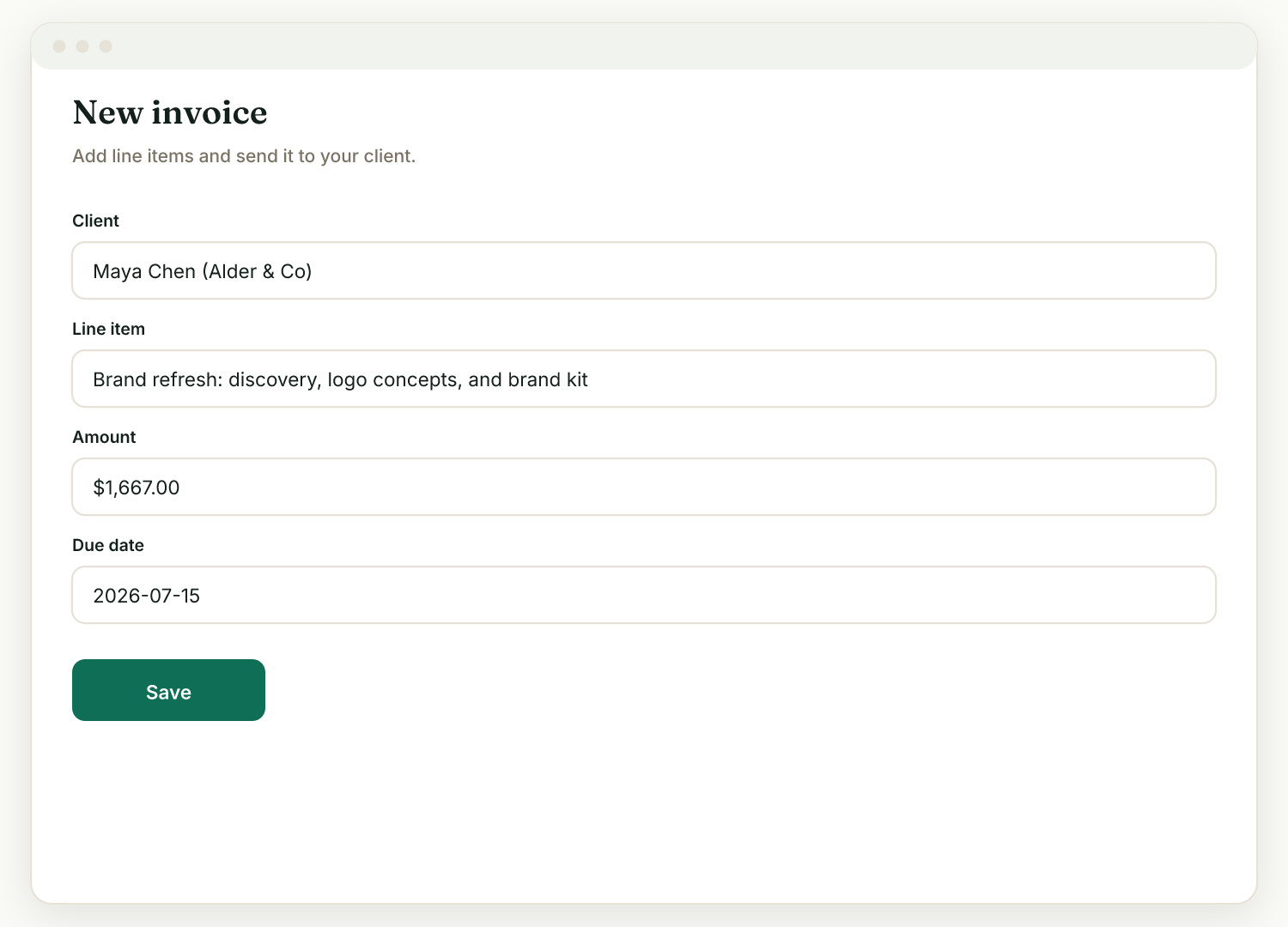
- Go to Invoices, then New.
- Pick the client (add them first under Clients if you have not yet).
- Add line items, a due date, and any discount or tax.
- Save it.
Send it#
Send the invoice link to your client. It also appears on their client portal, in the "Needs your attention" section, so it is easy to find.
Let them pay online#
If you have connected Stripe (Settings, then Payments), your client can pay by card, Apple Pay, or Google Pay directly from the invoice page. The money goes straight to your own Stripe account: Raoura never holds your funds and takes no commission on client payments. Standard Stripe card-processing fees still apply, as they would anywhere.
Until Stripe is connected, clients can still view the invoice; they just cannot pay online.
Let Raoura chase it#
Turn on unpaid invoice reminders in Settings, Reminders and Raoura nudges the client before the due date, on the due date, and when overdue. Pick a friendly or firm tone and preview the exact wording.
Related
Ready to try it yourself?
Raoura is one flat plan at $17/month, with a 14-day free trial and no credit card required.
Start free trial