E-signatures and audit trail
How clients sign contracts electronically and what Raoura records when they do.
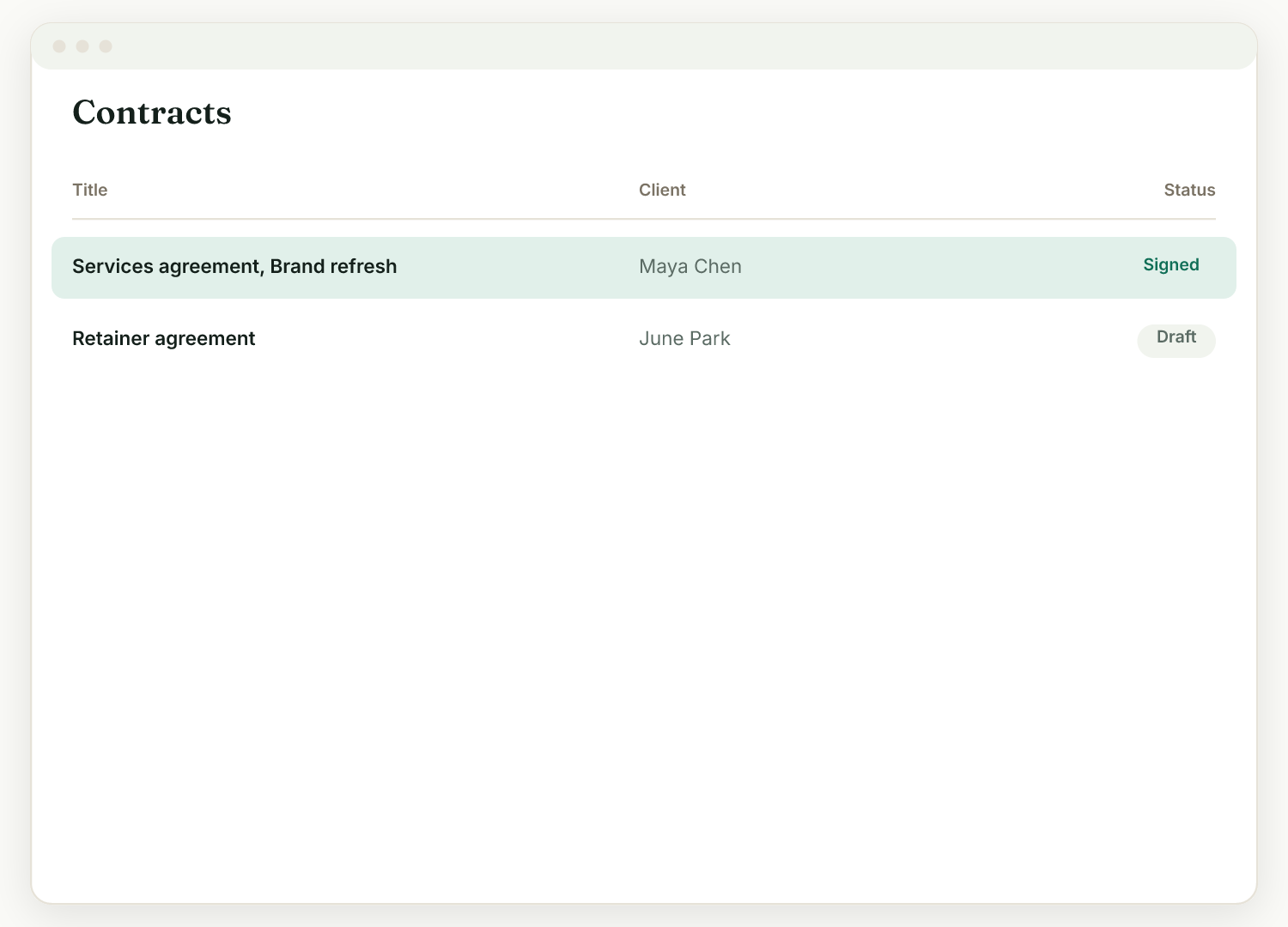
Clients sign contracts in Raoura by typing their name on a branded page, and every signing is recorded with an audit trail.
How signing works#
- You send the contract link (or the client finds it in their portal under "Needs your attention").
- The client opens the branded contract page and reads it.
- They sign electronically by typing their name. No account, app, or printer needed.
What gets recorded#
- Views: you can see when the client viewed the contract.
- Signature: you can see when they signed.
- Audit trail: an audit trail is recorded with each signing.
Turn on activity notifications (Settings, Account, Preferences) to get an email the moment a client signs.
Are e-signatures legally binding?#
Electronic signatures are widely recognized, but their validity depends on your jurisdiction and the type of document. Raoura records an audit trail with each signing to support you. For high-stakes contracts, confirm that e-signing is appropriate where you operate.
Proposals sign the same way#
Accepting a proposal works on the same principle: the client accepts by typing their name, and if you set a deposit they pay it at the same moment.
Related
Ready to try it yourself?
Raoura is one flat plan at $17/month, with a 14-day free trial and no credit card required.
Start free trial