Expenses and profit
Know what you keep, not just what you make.
Track expenses in seconds, pass costs on to clients, and see real profit and tax deductions without a bookkeeping suite.
Revenue is the number freelancers watch, but profit is the one that pays rent. Most solo businesses track spending in a spreadsheet they update in April, discover forgotten deductions too late, and quietly eat costs that a client should have covered. The fix isn't accounting software with a chart of accounts; it's a book you'll actually keep.
How it works
1. Log it when it happens
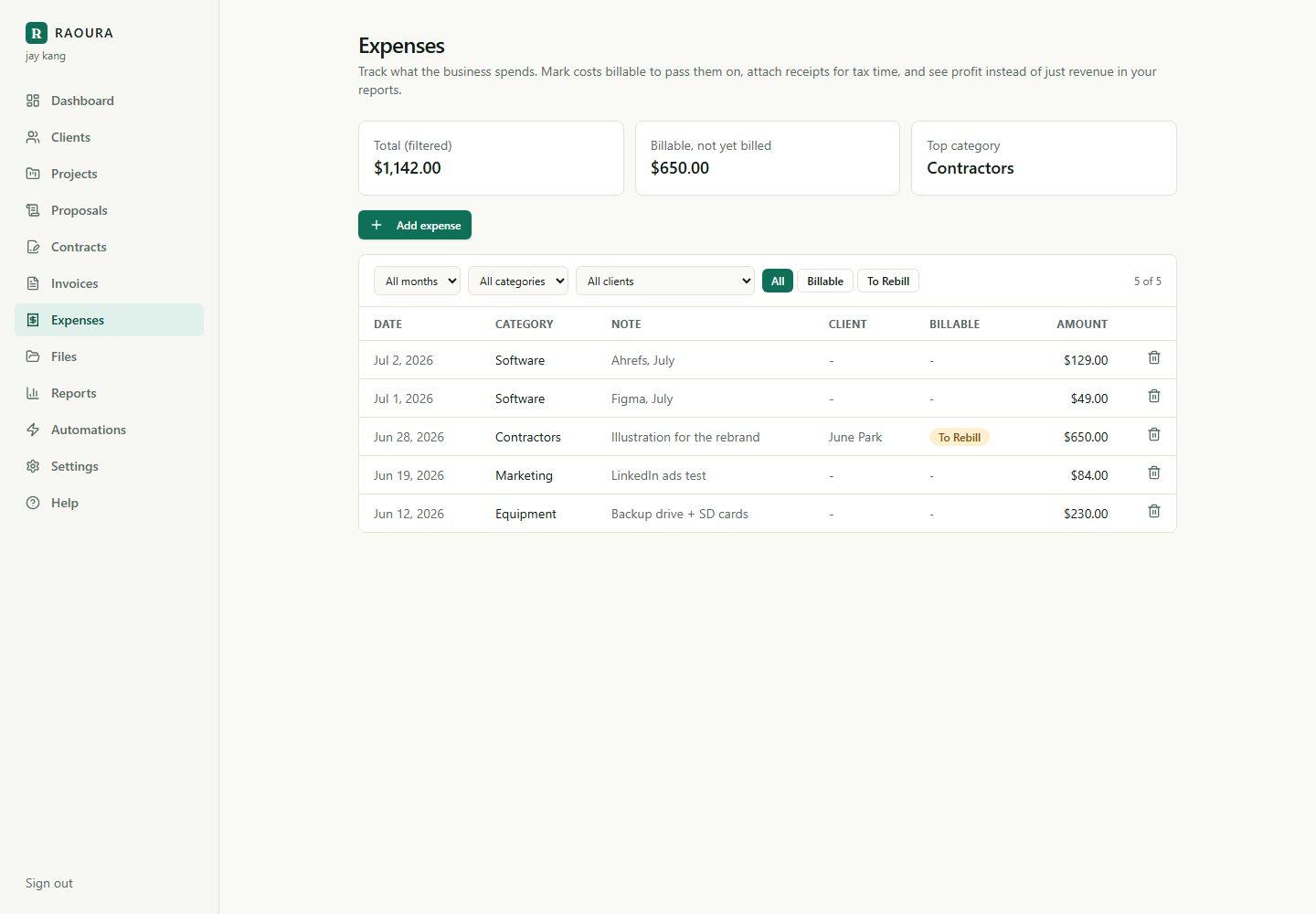
Expenses in the sidebar, Add expense, done. Amount, category, an optional client and receipt photo. The empty form is open and waiting the first time you visit.
2. Mark what the client owes you back
Tick Billable on costs you incur for a client. They collect in a to-rebill bucket with its own filter, so invoicing time starts with a checklist instead of an archaeology dig.
3. Watch profit, not just revenue
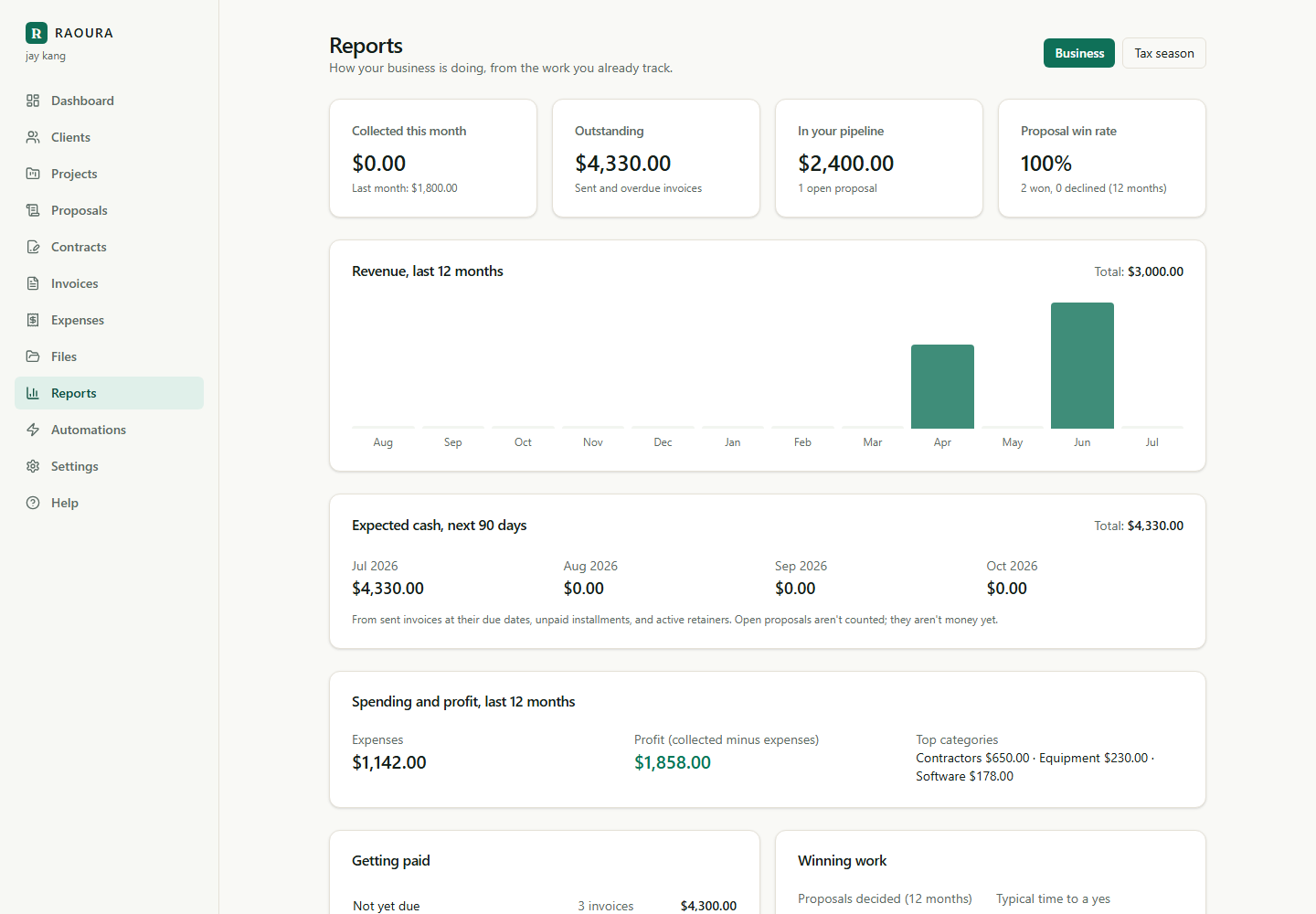
Your reports gain a spending-and-profit section and a next-90-days cash forecast, and the Tax Season Pack itemizes deductions by category for your accountant.
An expense takes ten seconds
Amount, date, one of nine categories, and an optional note. Attach a photo of the receipt and it's stored privately for tax time; your clients never see any of it.
Billable costs get passed on, not eaten
Mark an expense billable to a client and it sits in a to-rebill bucket until you add it to their invoice and flip it to billed. The stock photo license stops coming out of your pocket.
Profit appears in your reports
The business report shows spending and profit next to revenue, and the Tax Season Pack adds an expenses-by-category section your accountant can work from directly.
Filters that answer real questions
By month, by category, by client, or just the billable costs you haven't passed on yet, with totals that update as you filter.
QuickBooks and FreshBooks are built for businesses with an accountant in the loop: charts of accounts, reconciliation, double entry. A solo freelancer needs the 20 percent that matters (what did I spend, what's deductible, what does the client owe me back) without a second monthly subscription to learn. That's what this is, and your accountant still gets a clean export.
Frequently asked questions
Can my client see my expenses?
No. Expenses and receipts are private to you. A billable expense only becomes visible when you add it to an invoice, as a line item you write yourself.
Is this a replacement for my accountant or bookkeeping software?
It's a replacement for the spreadsheet, not the accountant. Everything exports cleanly, and the Tax Season Pack gives your accountant income and deductions by category in two clicks.
What file types work for receipts?
JPG, PNG, WebP, and PDF, up to 8 MB each, stored privately with your expense.
Start keeping the book you'll actually keep
Expenses, profit, and a tax-ready export are included in the one flat plan, alongside everything else you run a client on.
Start your 14-day free trialNo credit card required.